





Today
- The shift plan sits on a board or in Excel.
- Production status is passed on by word of mouth.
- Open issues go in a notebook.
- The next shift learns the situation by asking.
With KesoFloor
- Teams and shifts are planned on one screen.
- The production summary is live.
- Downtimes and calls are on record.
- The next shift sees the picture on screen.
Drag the slider to compare.
Step by step
- 1
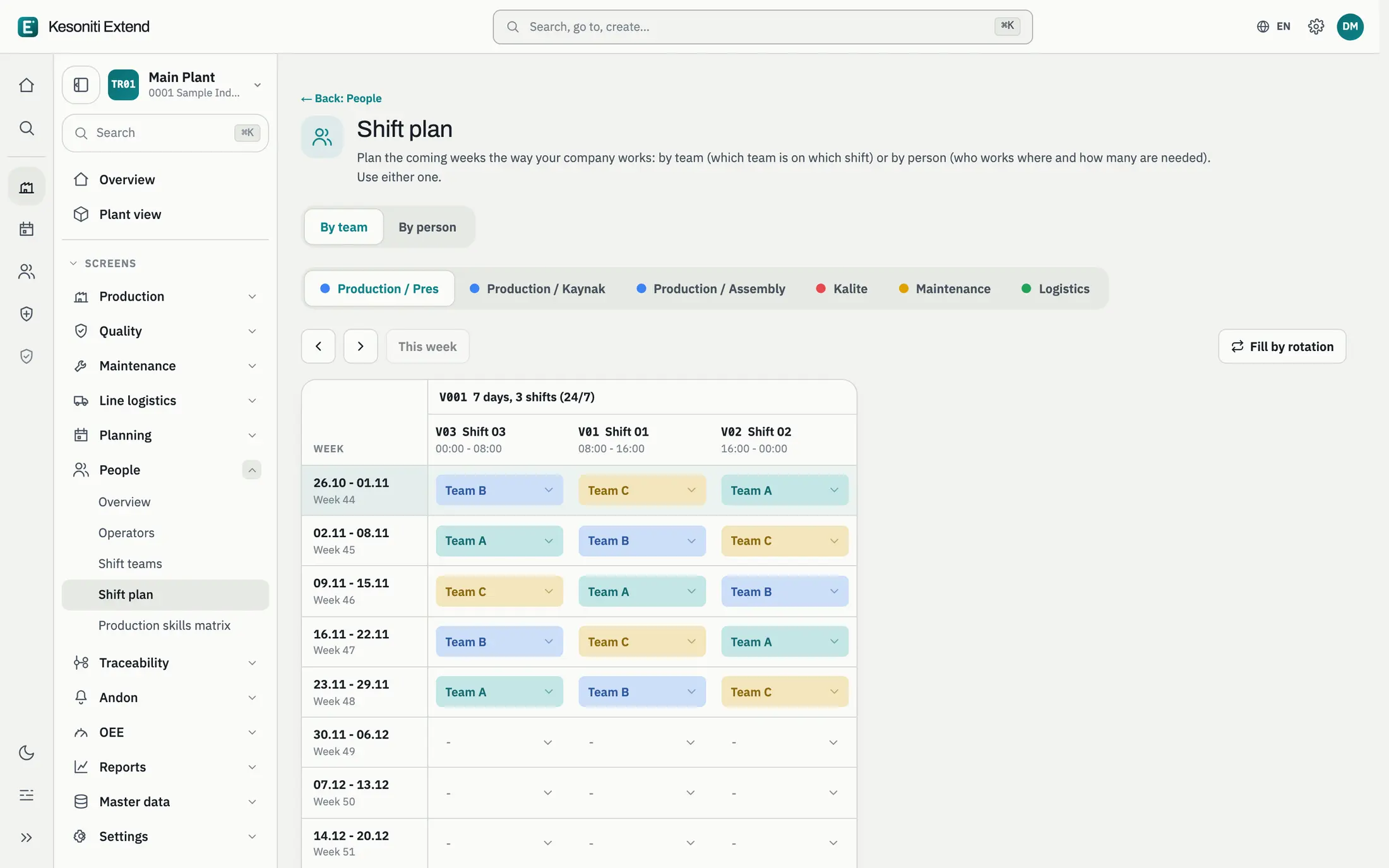
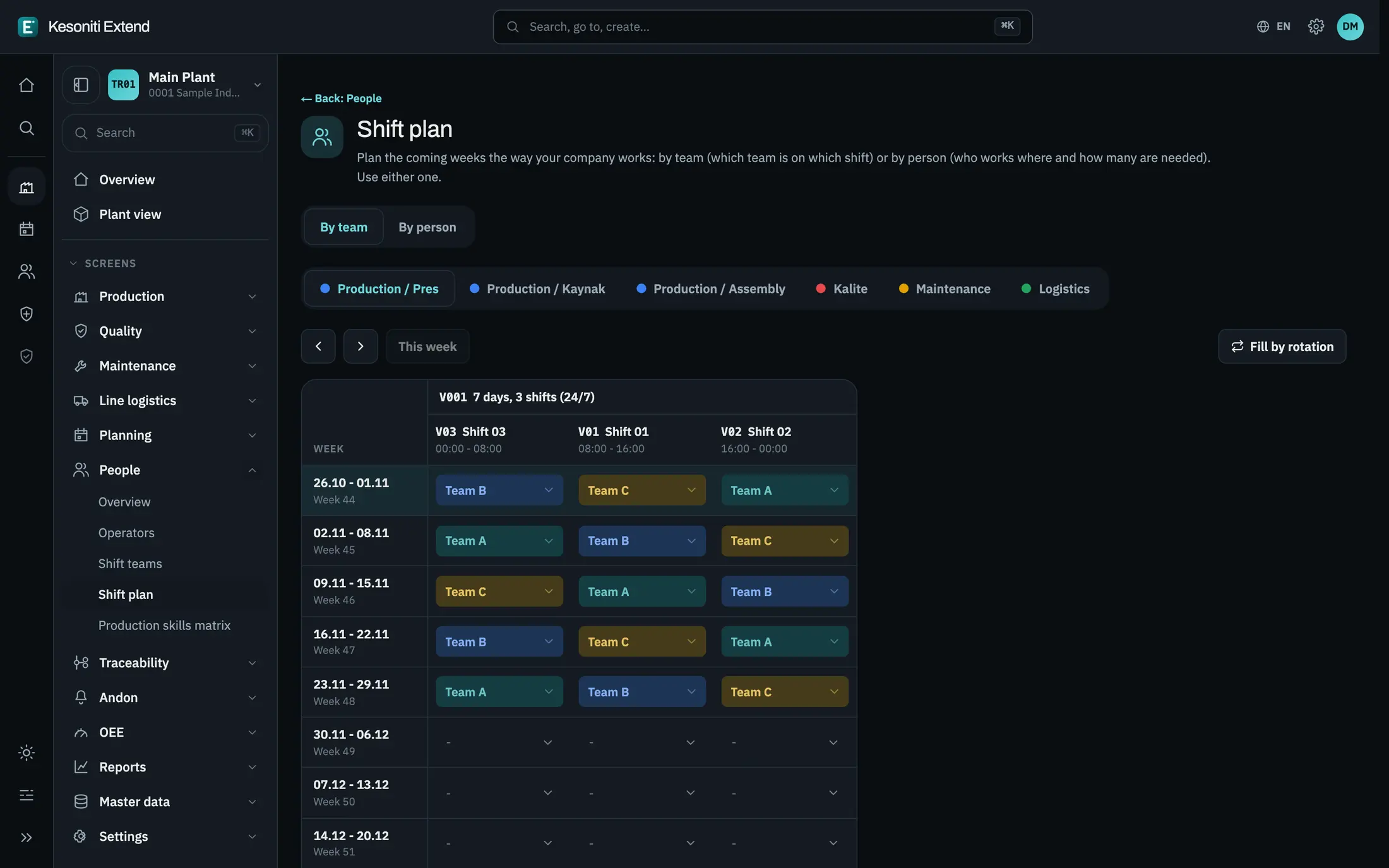
The plan is ready
Which team works which shift is clear, with teams and work centers.
- 2
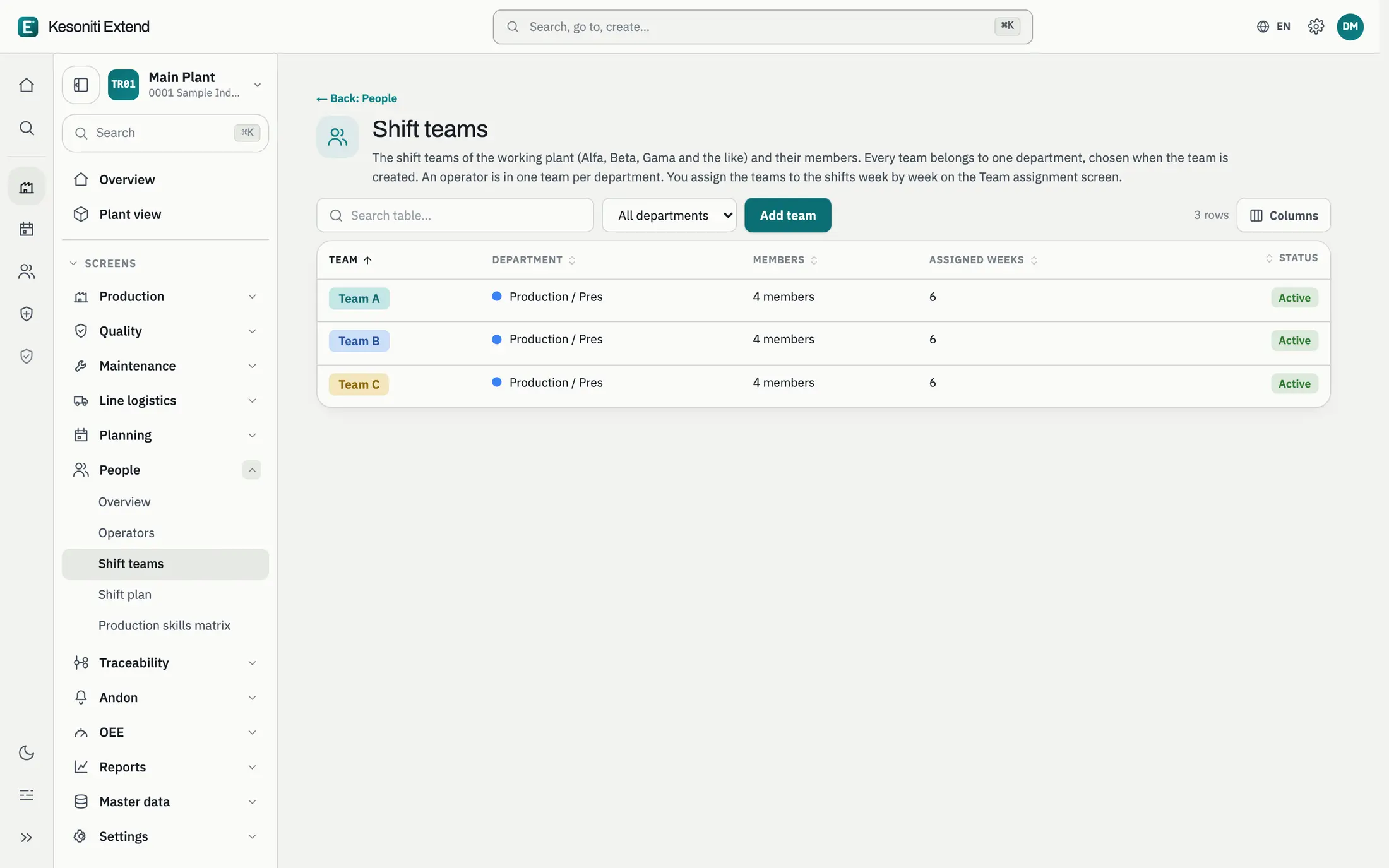
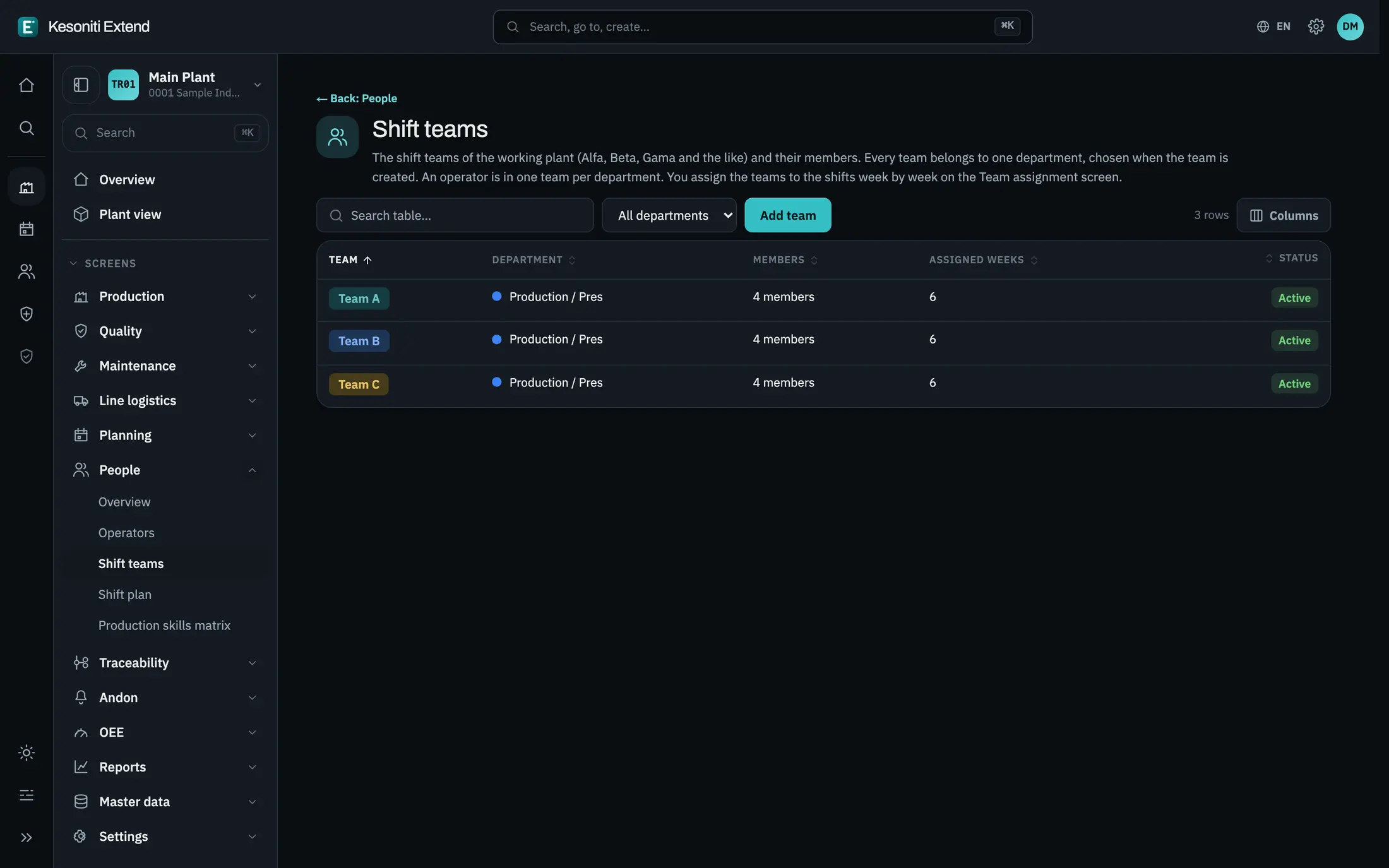
The team is known
Teams and their members are defined in one place.
- 3
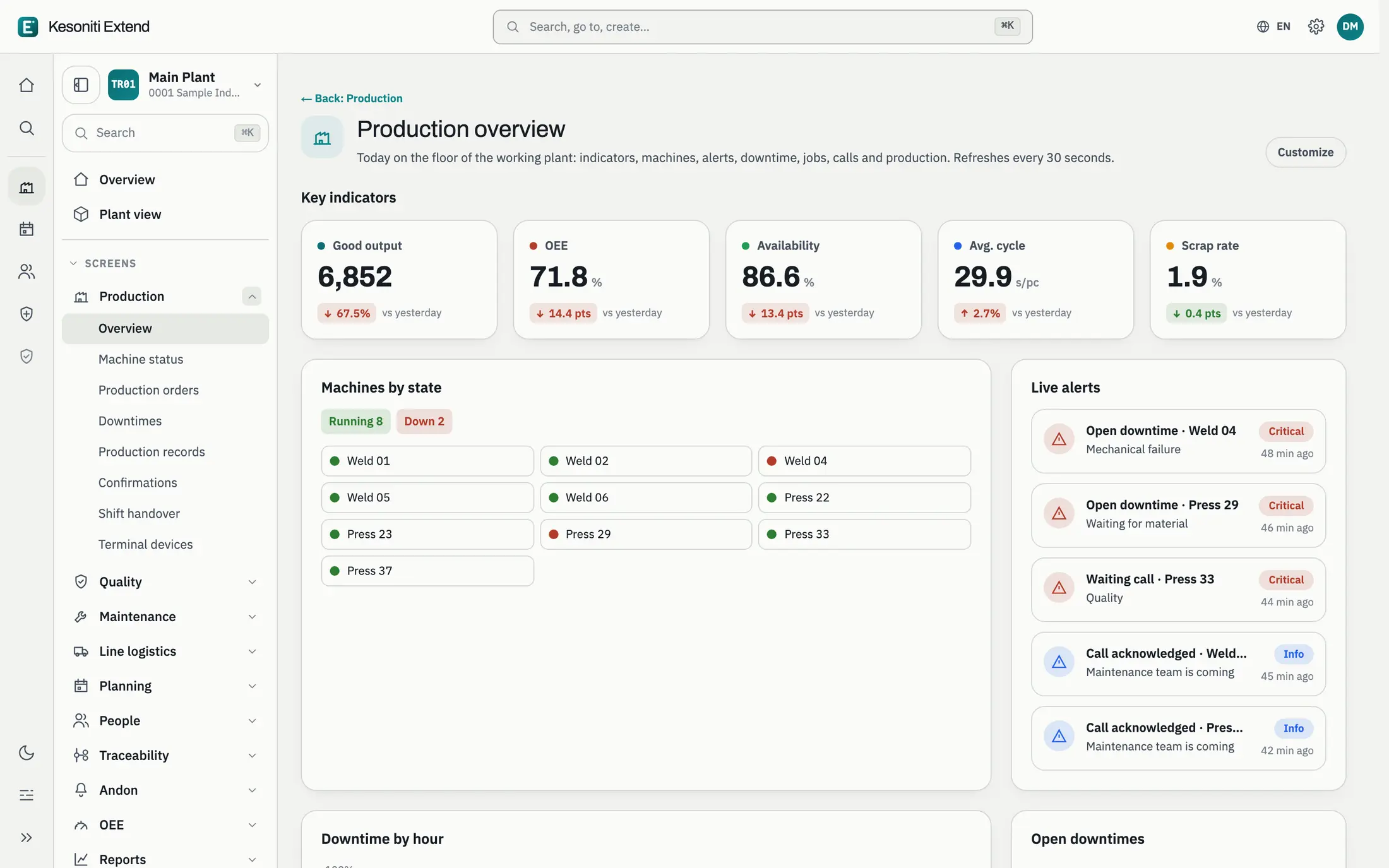
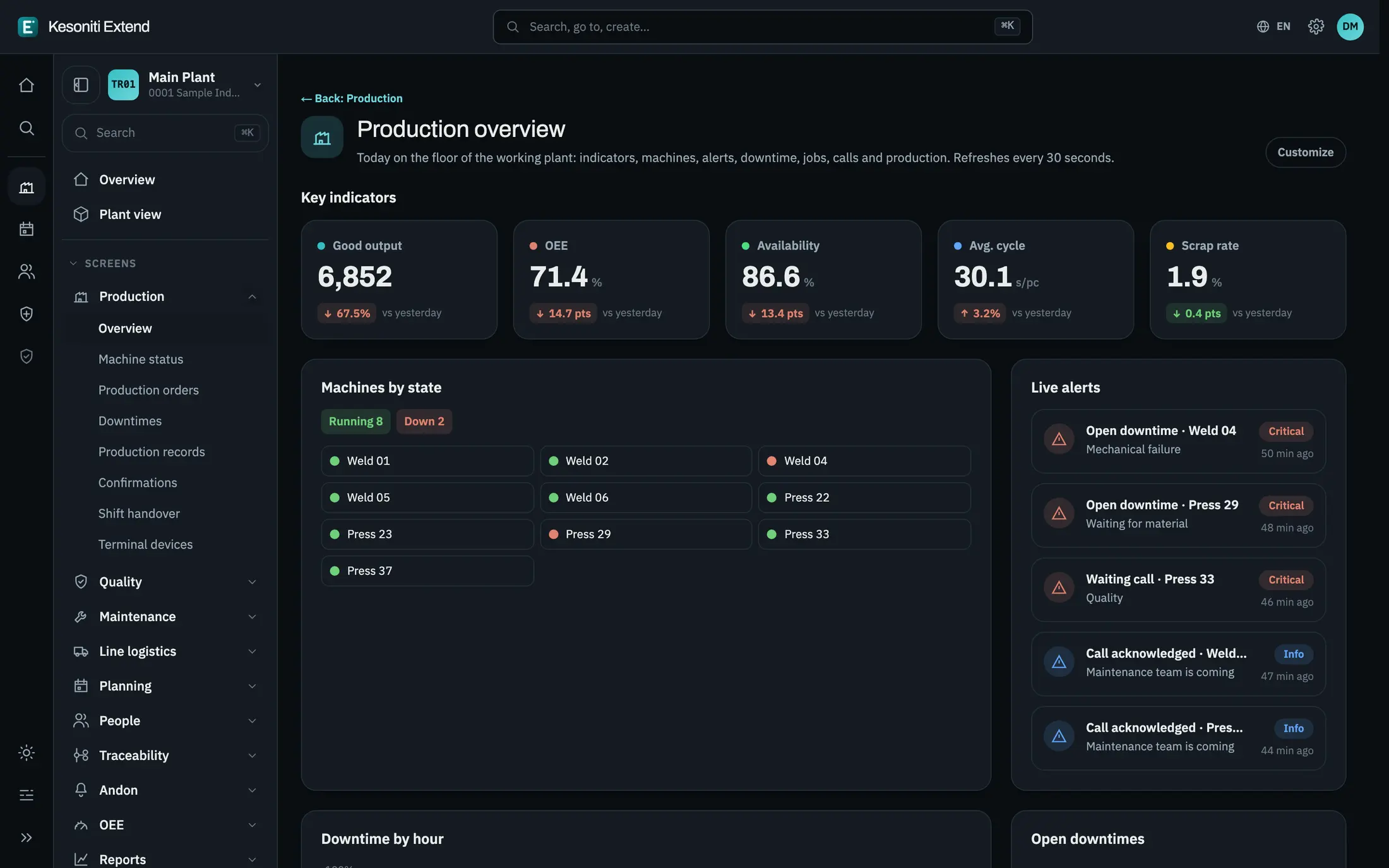
The picture is shared
The shift’s output, machine status and live alerts show on one screen.
- 4
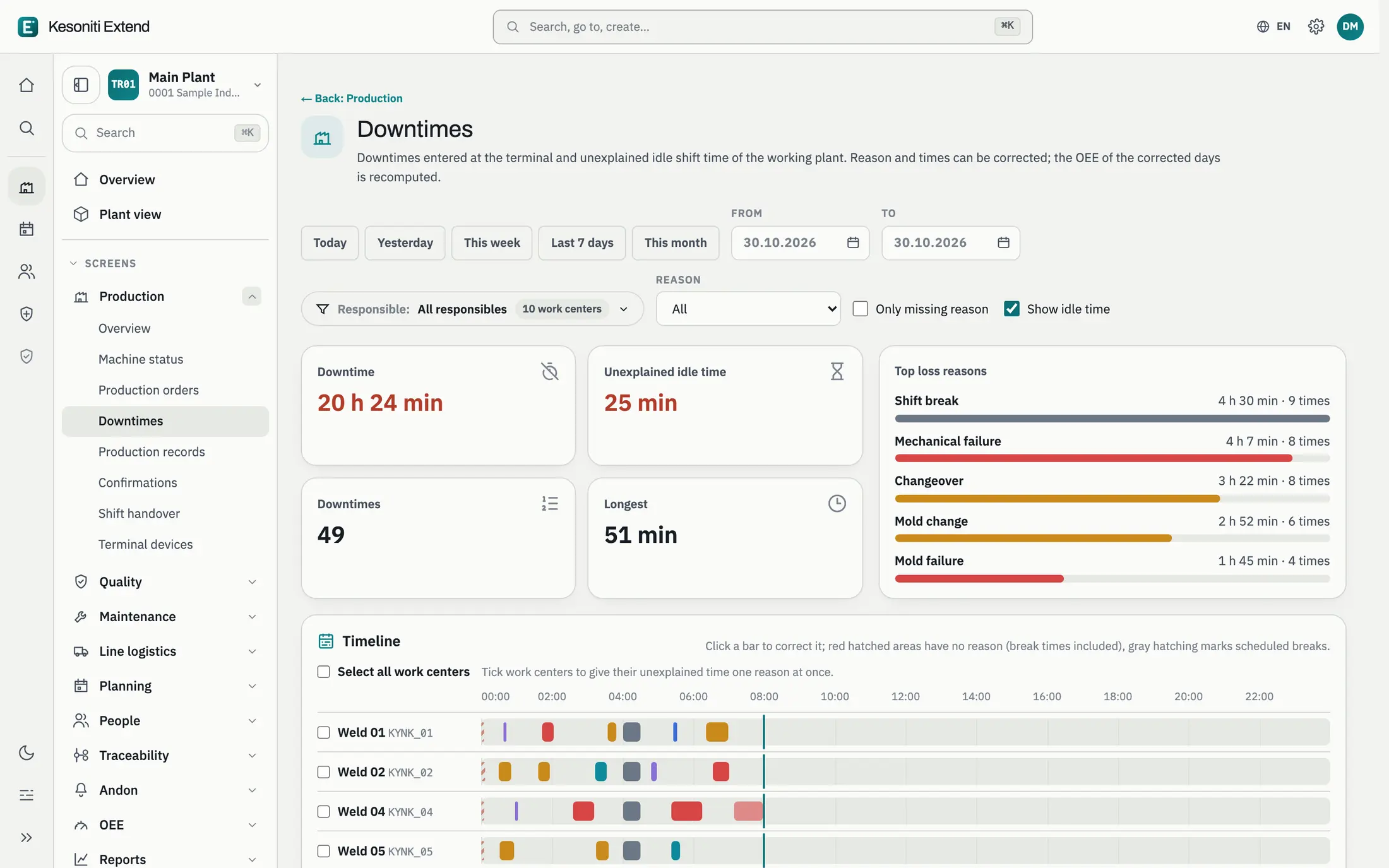
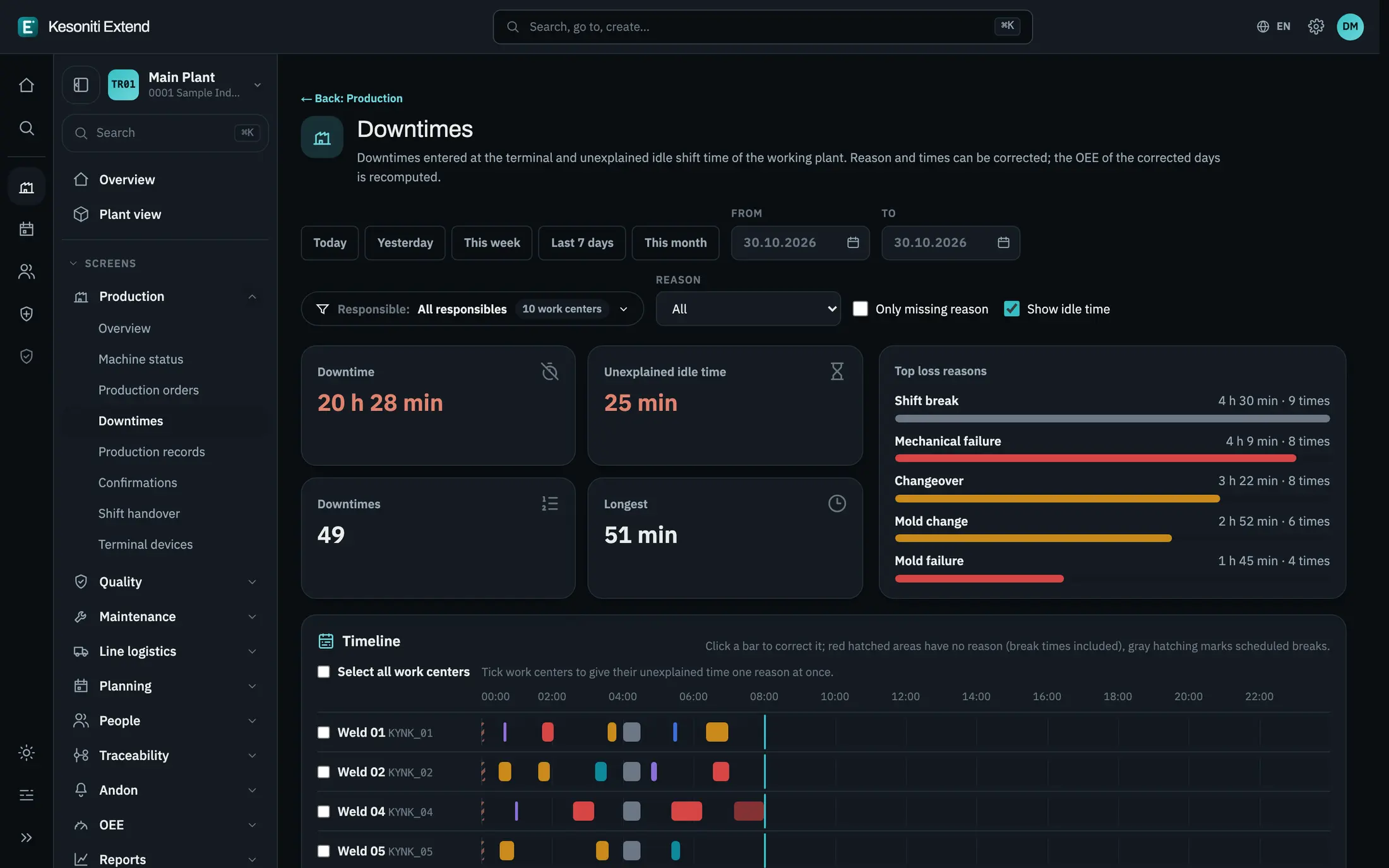
Open issues are visible
The shift’s downtimes are listed with reasons; the next team knows where to pick up.
Screens show sample data.
Let’s see it on your floor.
Calculate your losses, or talk through your own situation with us.