





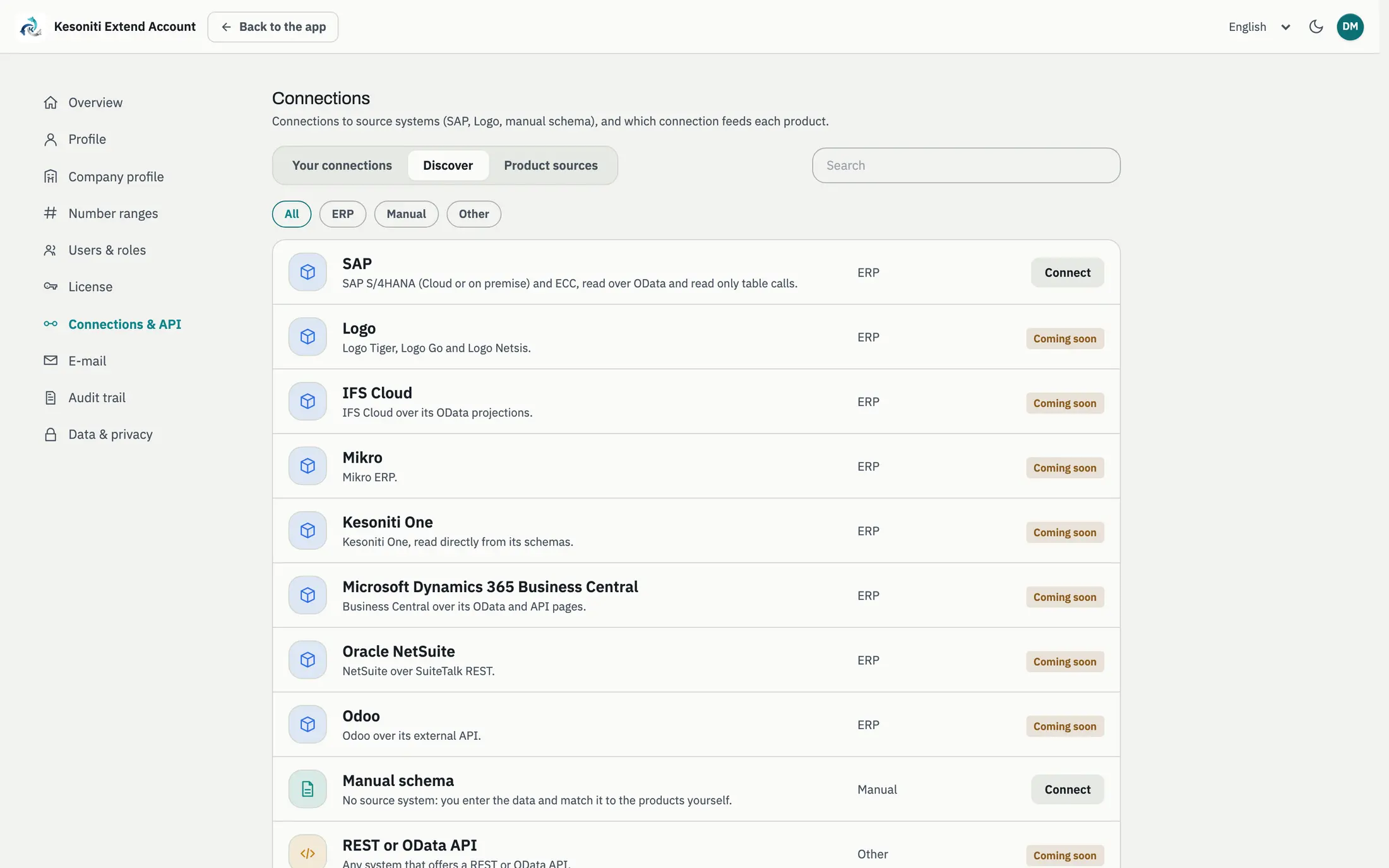
Step 1
Pick your system
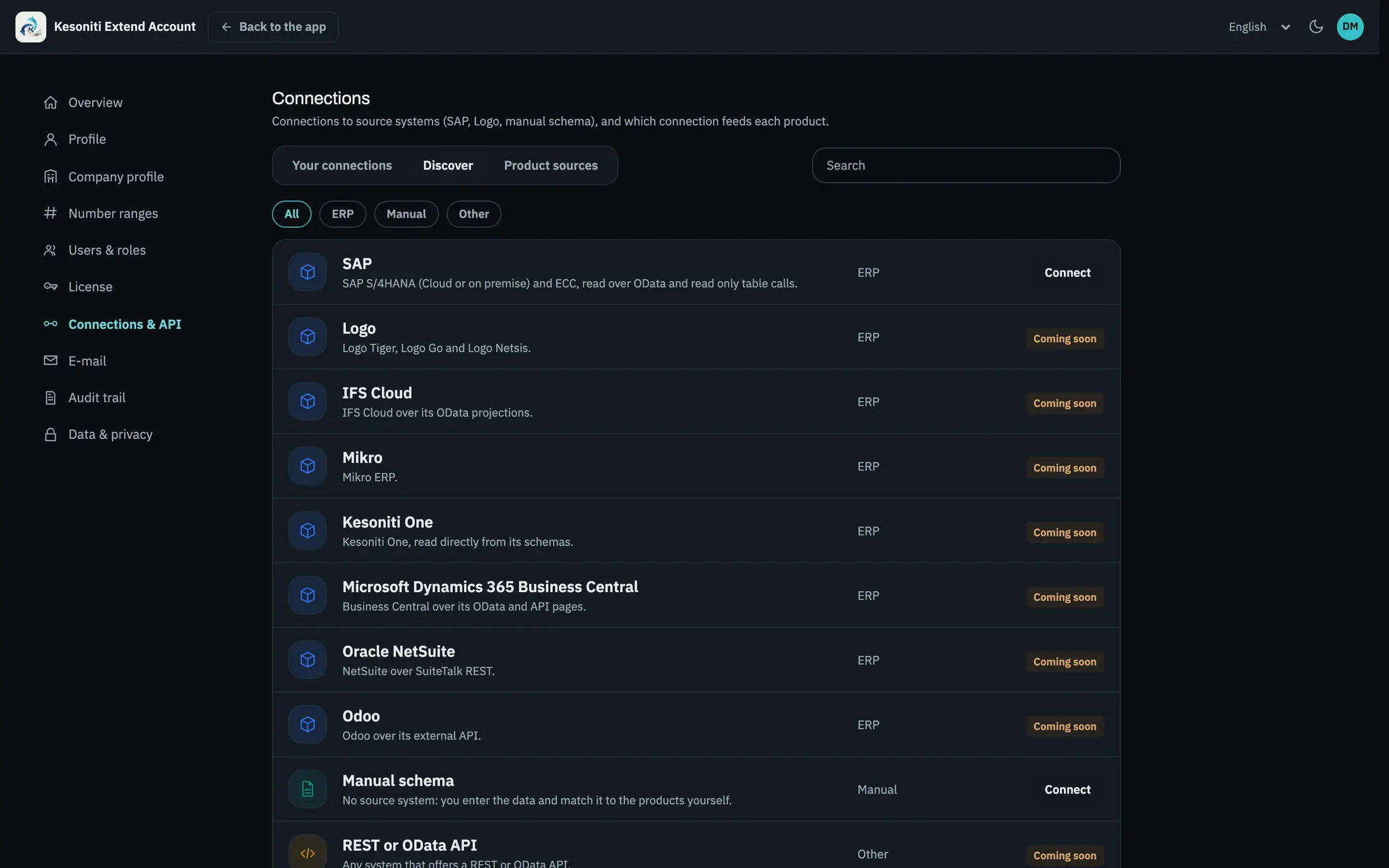
Find your ERP in the Discover list and click Connect.
- ERPs, manual schema and APIs in one list
- Available and upcoming connectors clearly marked
Integrations
Every app reads orders, stock and master data from your ERP and posts results back. A connector handles that link, so the apps work the same whichever ERP sits behind them.
Pick your ERP
Pick one and see how the connection works and which data flows in each direction.
SAP S/4HANA (Cloud or on-premise) and ECC.
Connects throughOData and read-only table calls
Read from the ERP
Posted back to the ERP
Setup
You set up the connection yourself in your Kesoniti Extend Account; no development needed.
Step 1
Find your ERP in the Discover list and click Connect.
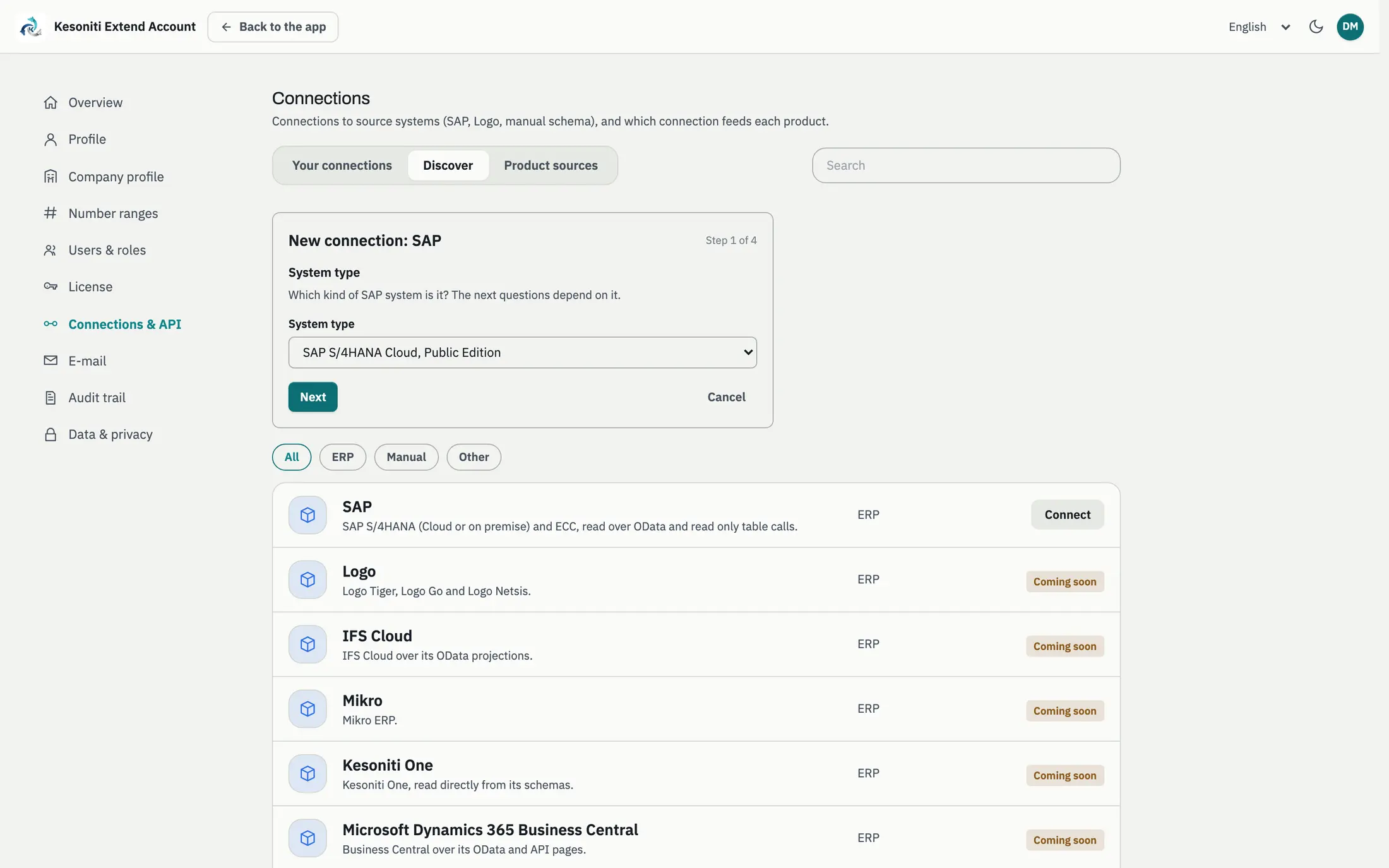
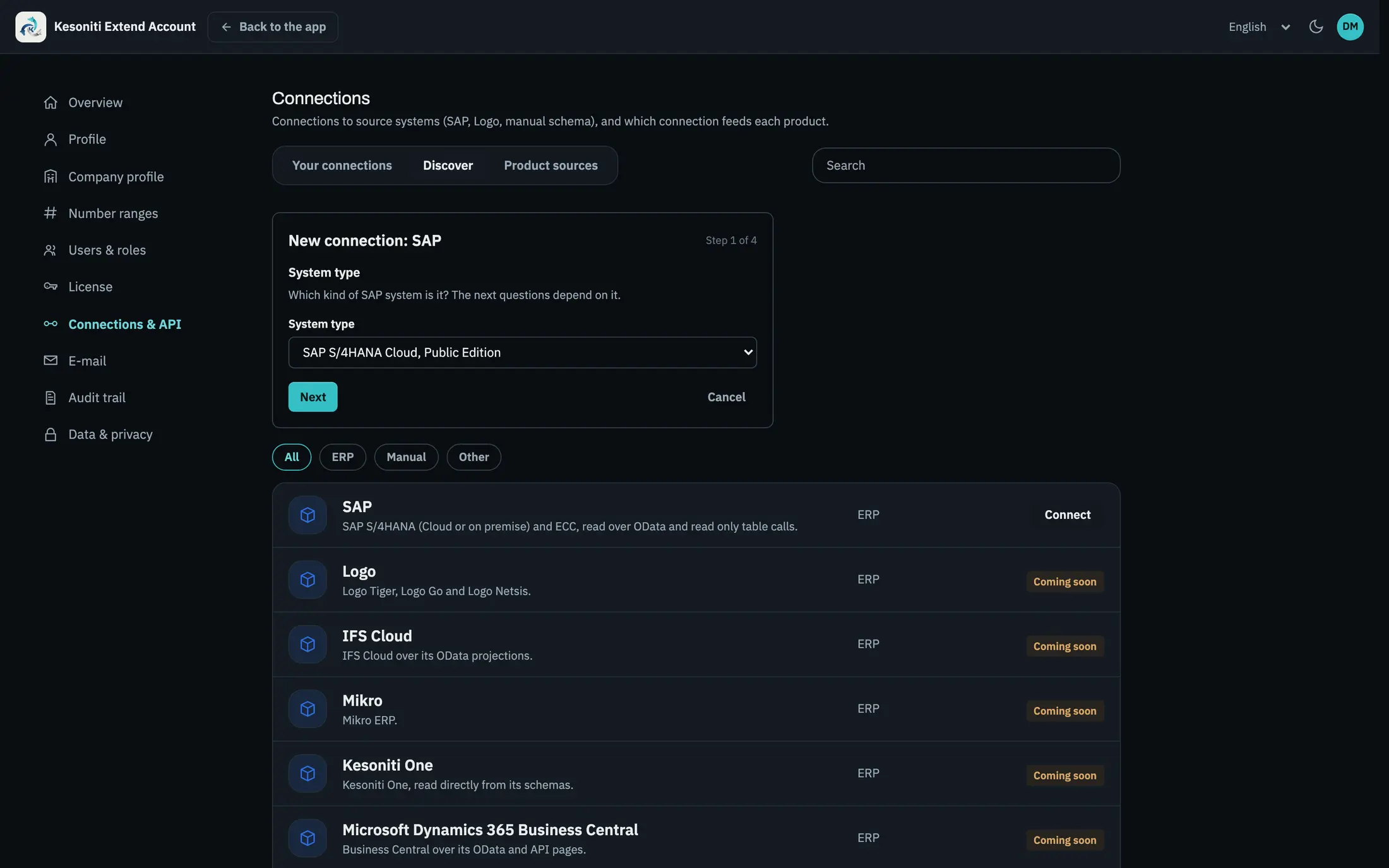
Step 2
System type, address and technical user, one step at a time.
Step 3
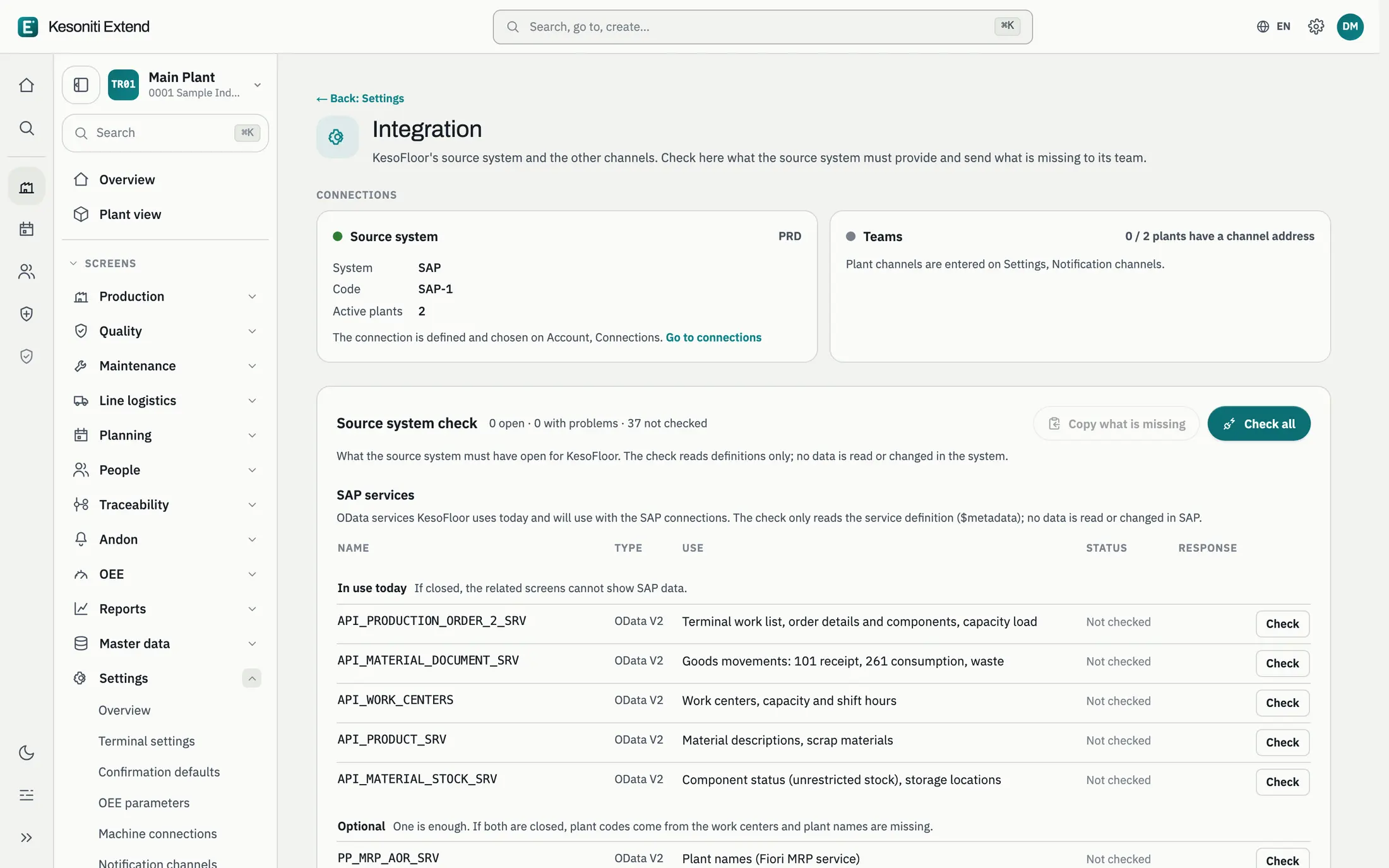
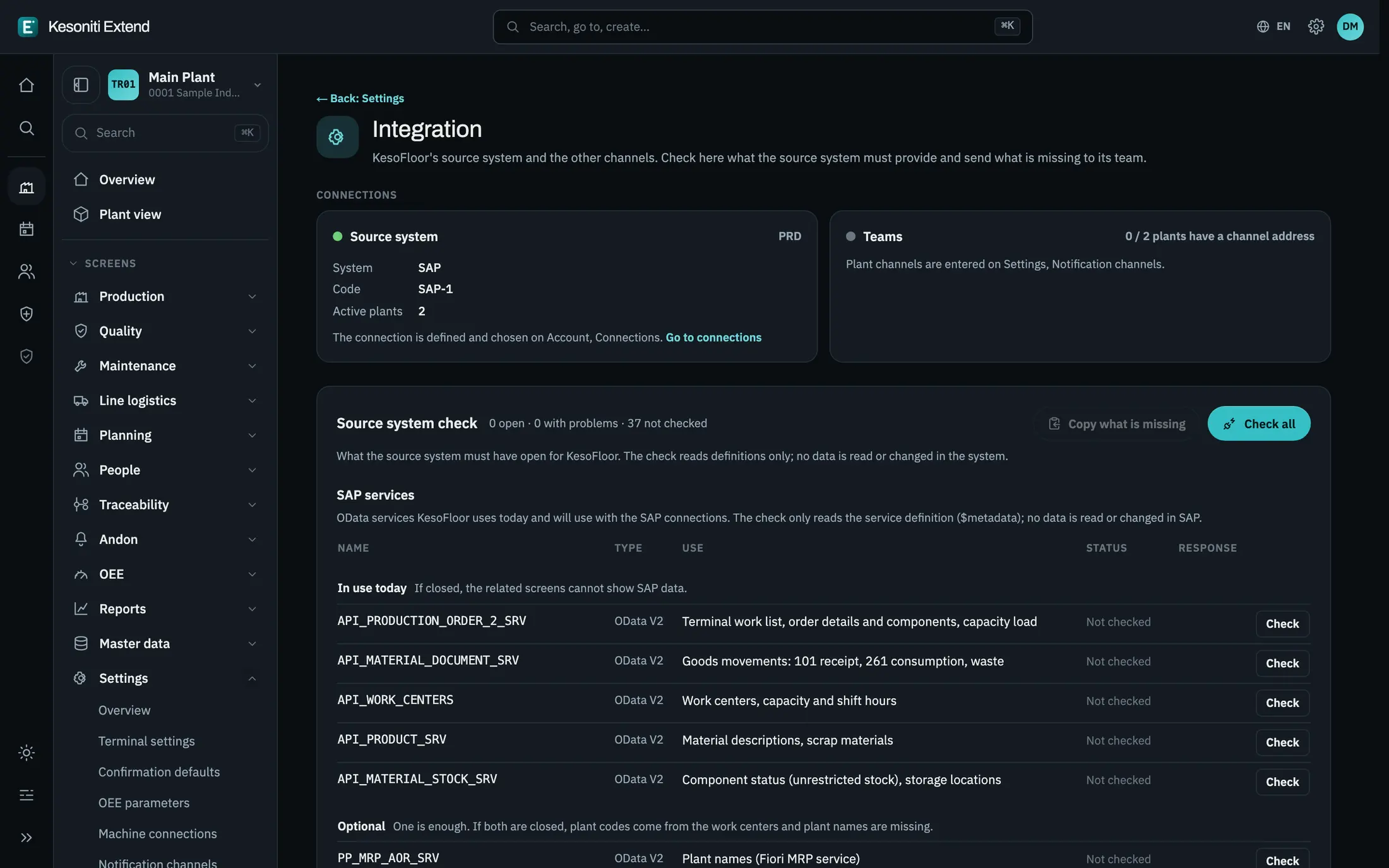
The services a product needs are checked with one click; gaps are listed.
Step 4
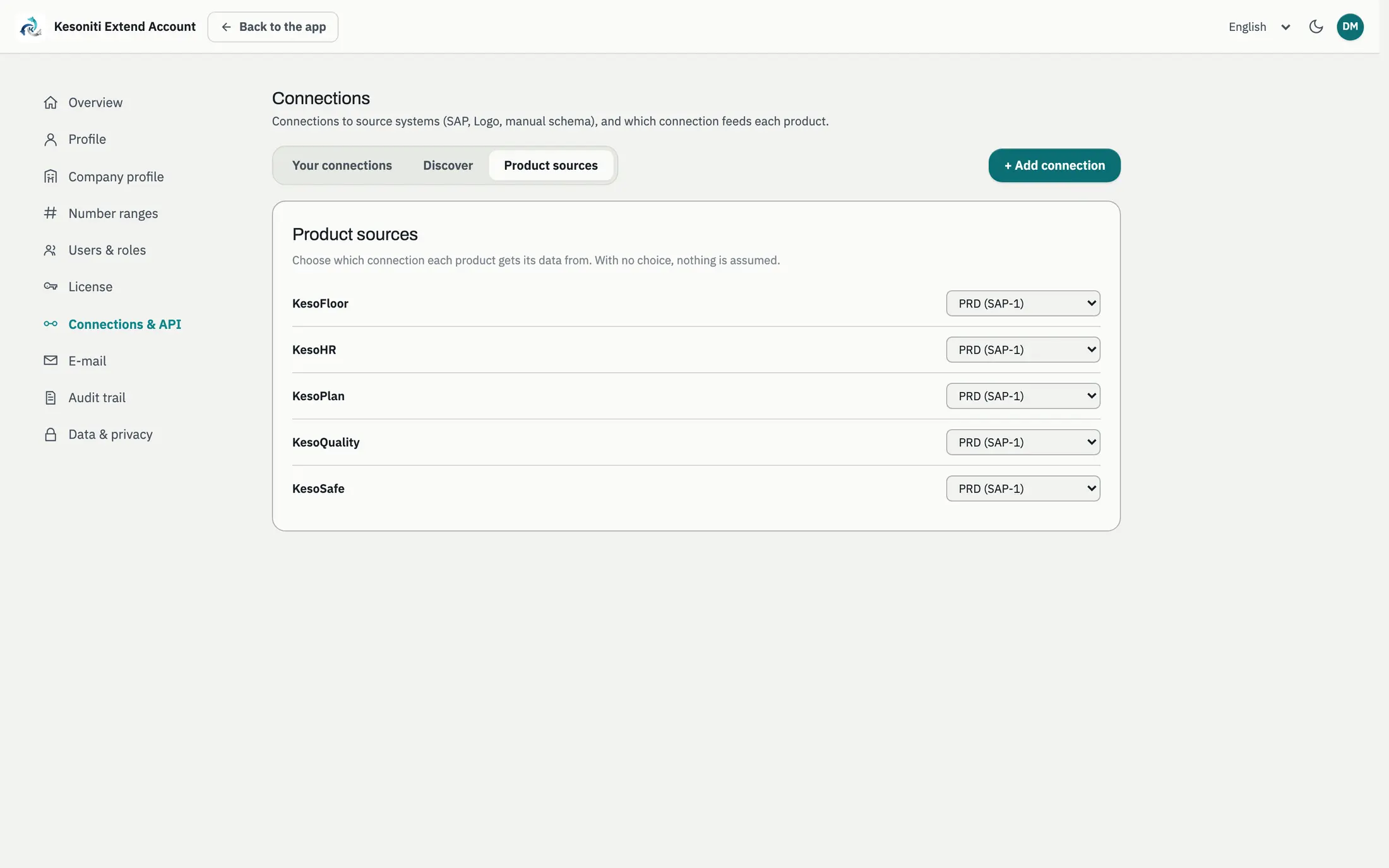
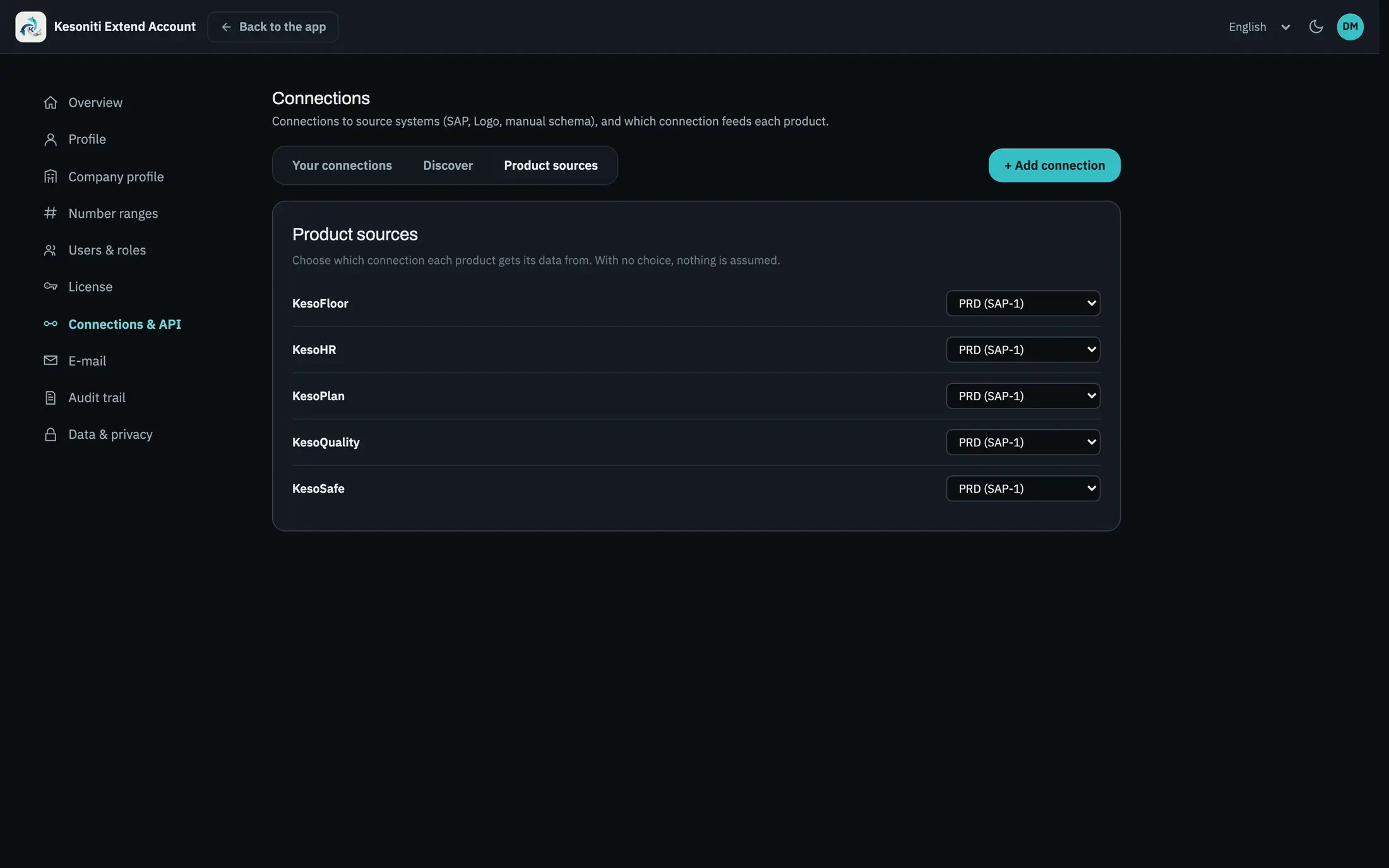
Choose which connection feeds each app.
A common language
The connector maps the ERP’s technical fields to the common Kesoniti model. The apps never need to know which ERP is behind them.
WERKS Plant ARBPL Work center AUFNR Production order VORNR Operation MATNR Material LGORT Storage location Logo, IFS or Odoo name these fields differently; the model the apps see stays the same.
Data flow
Master data and orders come from the ERP; results from the floor are posted back.
Monitoring
Connection, services and postings on one screen. When something breaks, you are the first to know.
37 / 37 services open
Security
Data travels over an encrypted connection; your ERP is reached only with the rights you approve.
A non-personal user, authorized only for the services you approve.
All connections use TLS; passwords are stored encrypted.
No code or table changes in your ERP; only standard interfaces.
Kesoniti Cloud data is kept in a data center in Frankfurt.
Every record is filtered by your company key; no other company can see your data.
Who changed what, and when, recorded in your account.
SAP connector
Released SAP APIs and remote function calls. Nothing is modified in your SAP system.
SAP S/4HANA on-premise, Private Cloud and Public Cloud.
A dedicated SAP user with only the authorizations you approve, over an encrypted connection.
Member of the SAP® PartnerEdge® open ecosystem. SAP and S/4HANA are trademarks or registered trademarks of SAP SE in Germany and other countries.
Open API
Your reporting tools read the data, and your own systems react to events as they happen.
$
{
  "value": [
    { "ReasonName": "Mold change", "DurationSeconds": 1260 },
    { "ReasonName": "Material wait", "DurationSeconds": 540 }
  ]
}
Power BI, Excel, SAP Analytics Cloud and Datasphere read it directly as an OData feed.
POST https://erp.example.com/hooks/kesofloor
webhook-signature: v1,••••••••

{
  "specversion": "1.0",
  "type": "com.kesoniti.kesofloor.downtime.started",
  "subject": "workstations/WC-PRS1",
  "time": "2026-10-29T08:14:03Z",
  "data": { "workstation": { "code": "WC-PRS1", "plant": "TR01" } }
}
Downtime started, order finished, measurement out of tolerance: in CloudEvents format, signed.
Machines and devices
Machine signals come in through an edge gateway, independent of the machine brand.
Notification channels
Andon calls, long downtimes or shift summaries land where the team already is.
Deployment options
Nothing to install, updates are automatic. Data in the EU.
In your SAP Business Technology Platform account.
On your own servers, in your own network.
Your ERP is not listed?
Load master data and orders from Excel or CSV, by hand or on a schedule.
Your IT team sends data in and reads results out through an API.
We build and maintain a connector to your ERP as a paid service.
FAQ
No. The connector uses the ERP’s standard interfaces; no code, table or screen changes.
Only the services listed on the Source system check screen. The check reads their definitions to see whether they are open.
Start right away with file transfer or the integration API; if you like, we build the connector for your ERP.
Yes. With a manual schema you keep master data in Kesoniti and map products yourself.
Yes. Each connection is defined separately, and you choose which one feeds each product.
Yes. The Data API is OData v4; Power BI, Excel, SAP Analytics Cloud and Datasphere read it directly.
In Kesoniti Cloud, in the EU, in Frankfurt. With SAP BTP or on-premise, in your own environment.
We will tell you which connection fits and what it takes to get your first plant live.