





← All use cases
Paperless production confirmation
One flow from picking the order to posting in the ERP.
Today
- Order details reach the floor on paper.
- Counts are kept by hand.
- Labels are prepared in a separate program.
- Confirmations are entered in the office at shift end.
With KesoFloor
- The operator picks the order on the terminal.
- Counts come from the machine or the terminal.
- The label prints from the right template.
- The confirmation goes to the ERP as it is recorded.
Drag the slider to compare.
Step by step
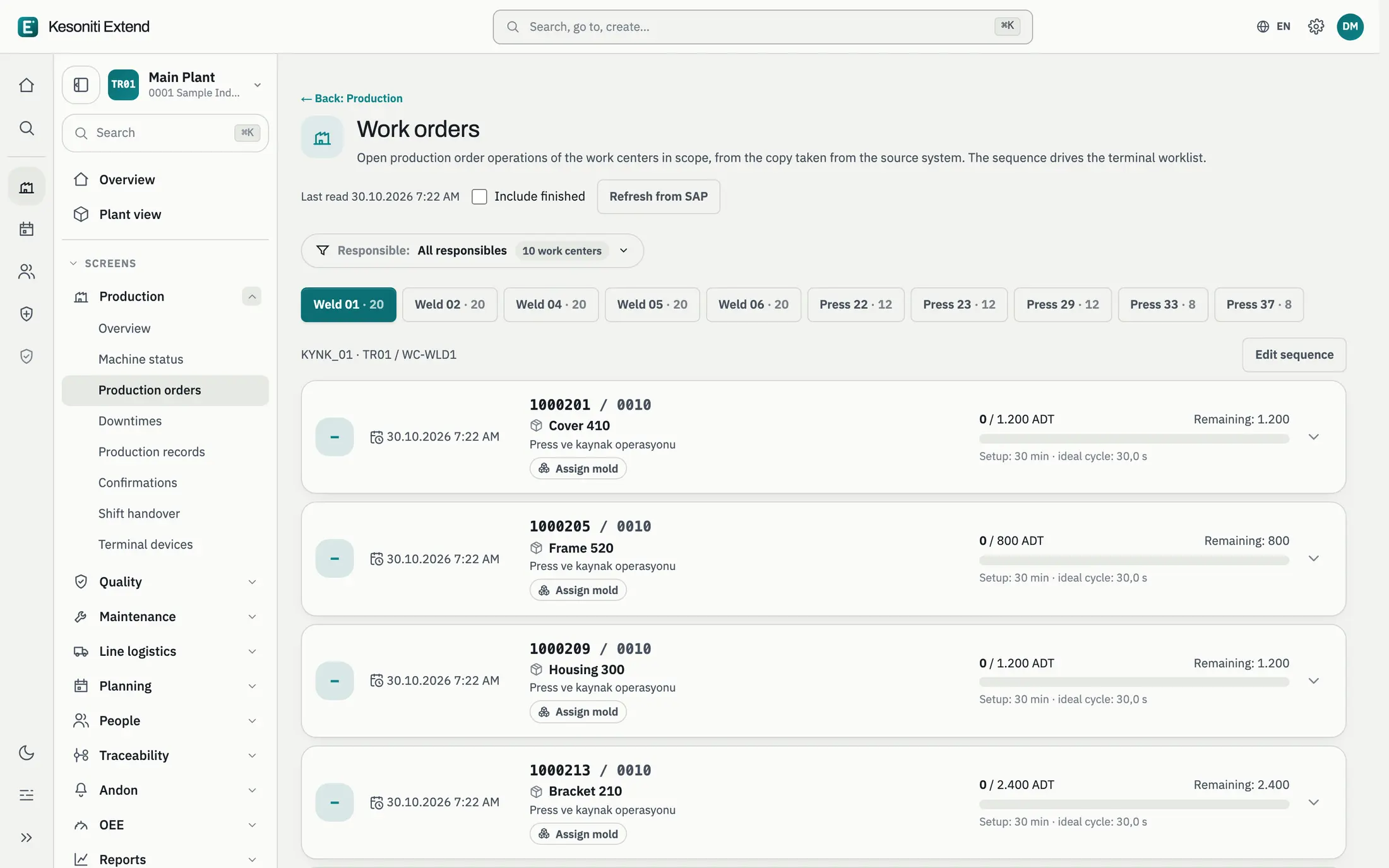
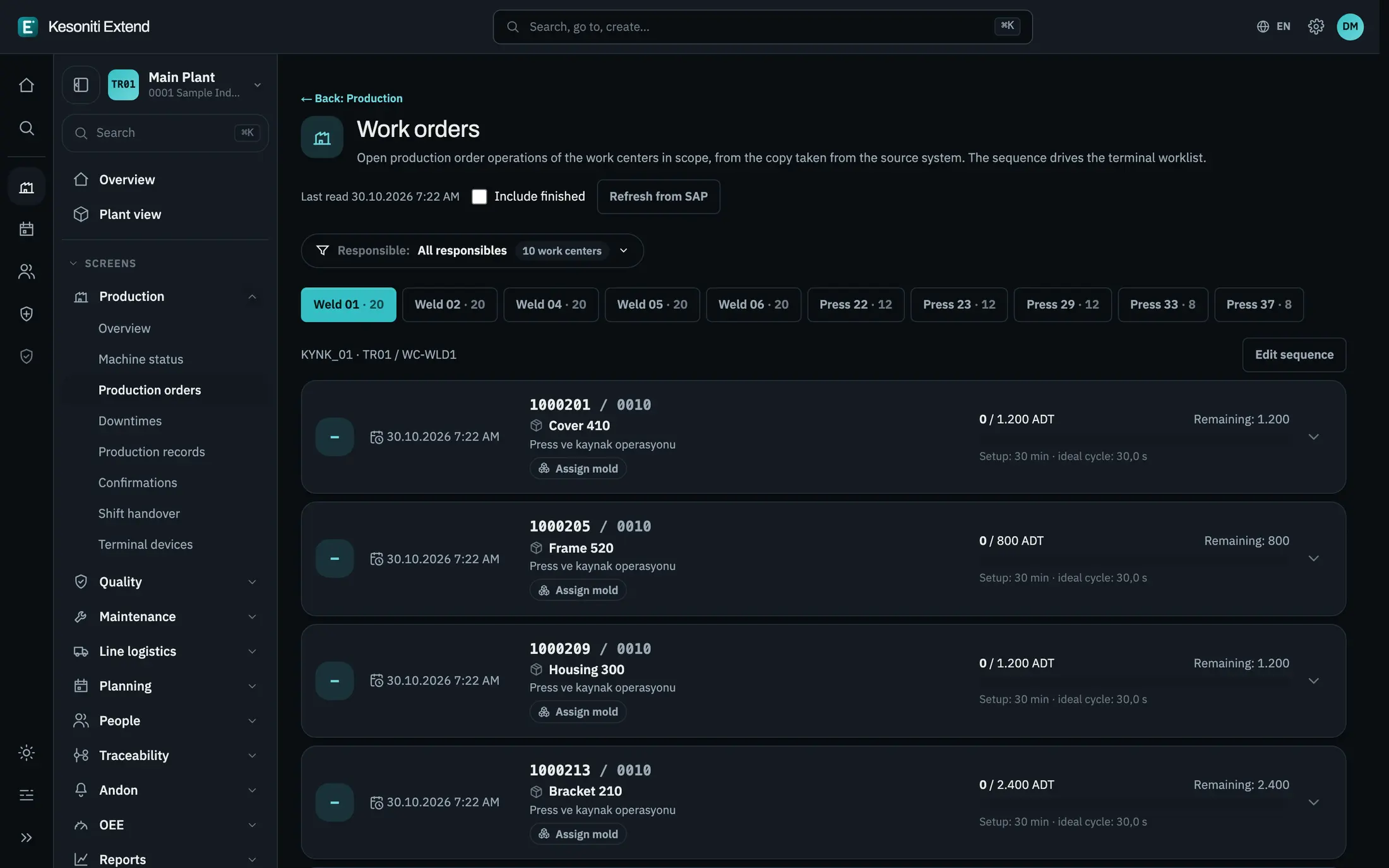
- 1
The order is on the floor
Production orders from the ERP are listed by work center.
- 2
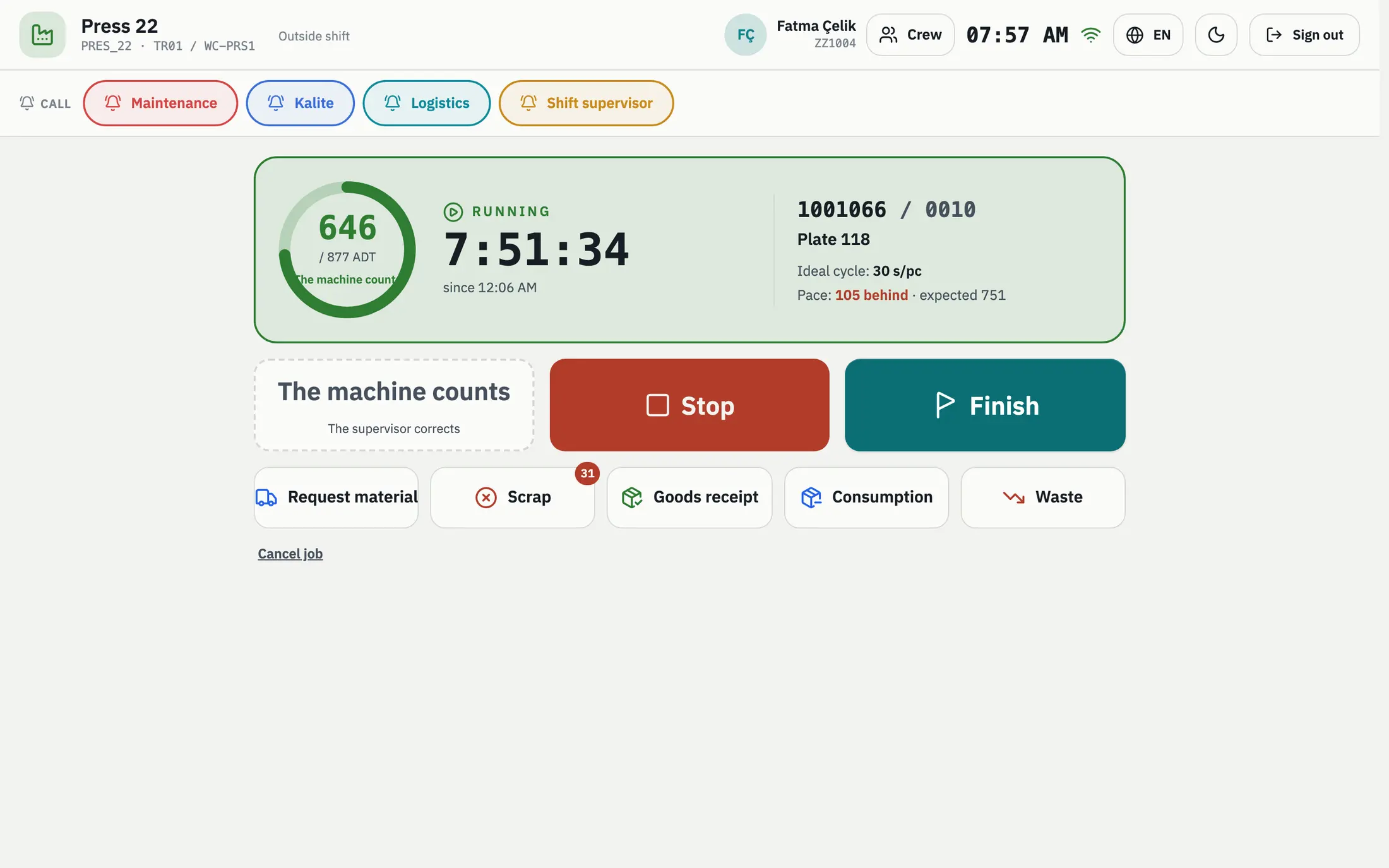
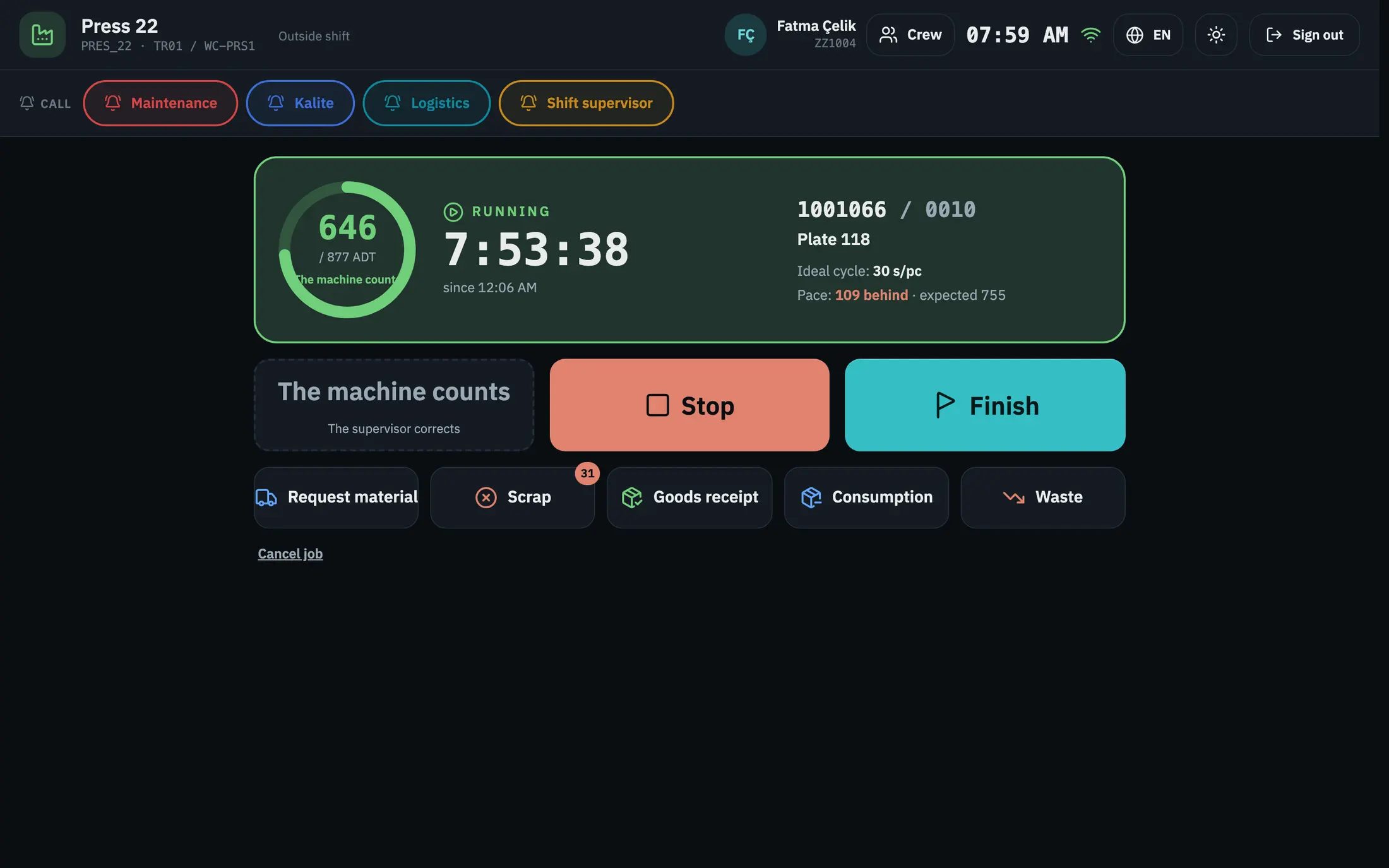
Production starts
The operator starts the job; count and time run on the terminal.
- 3
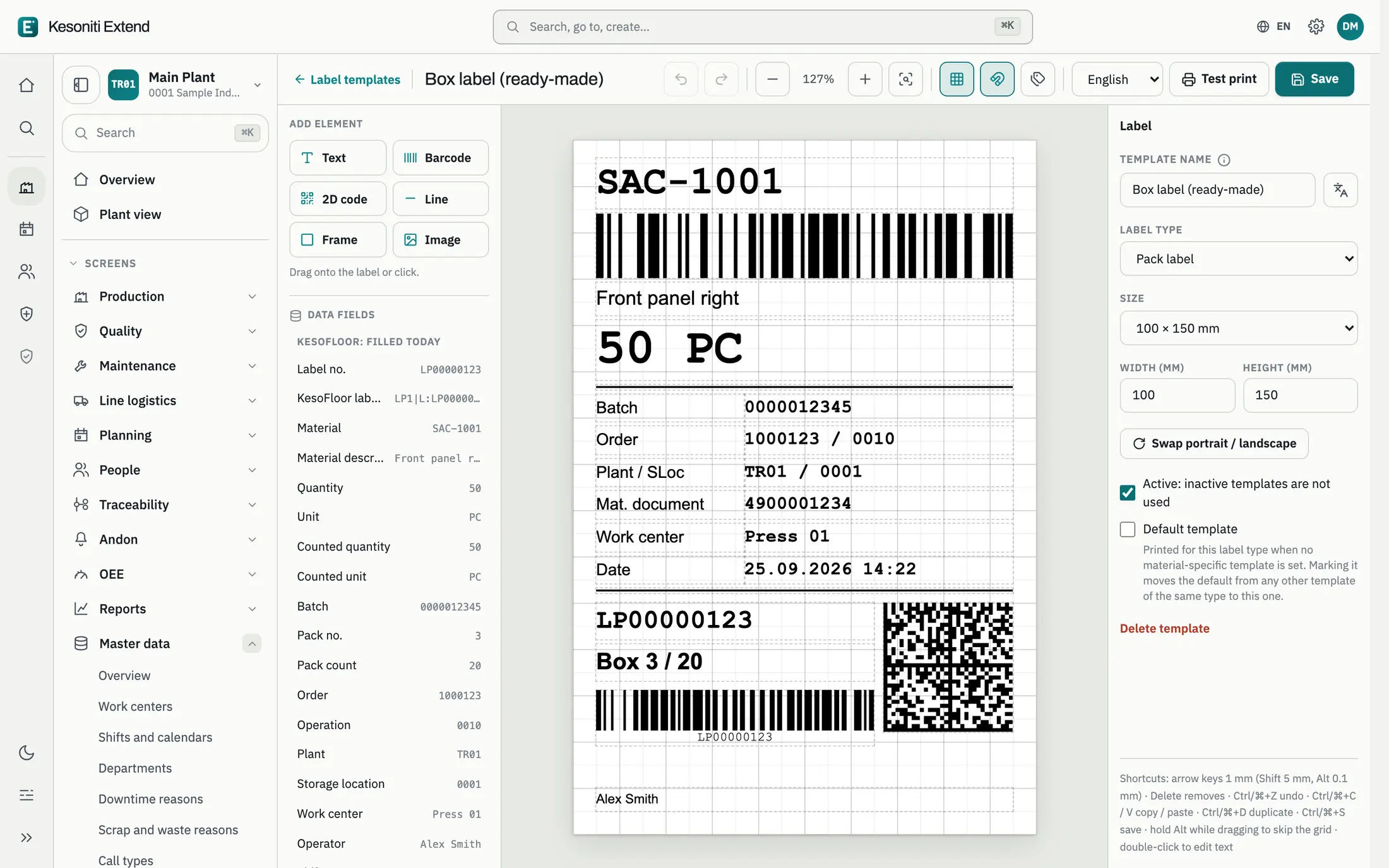
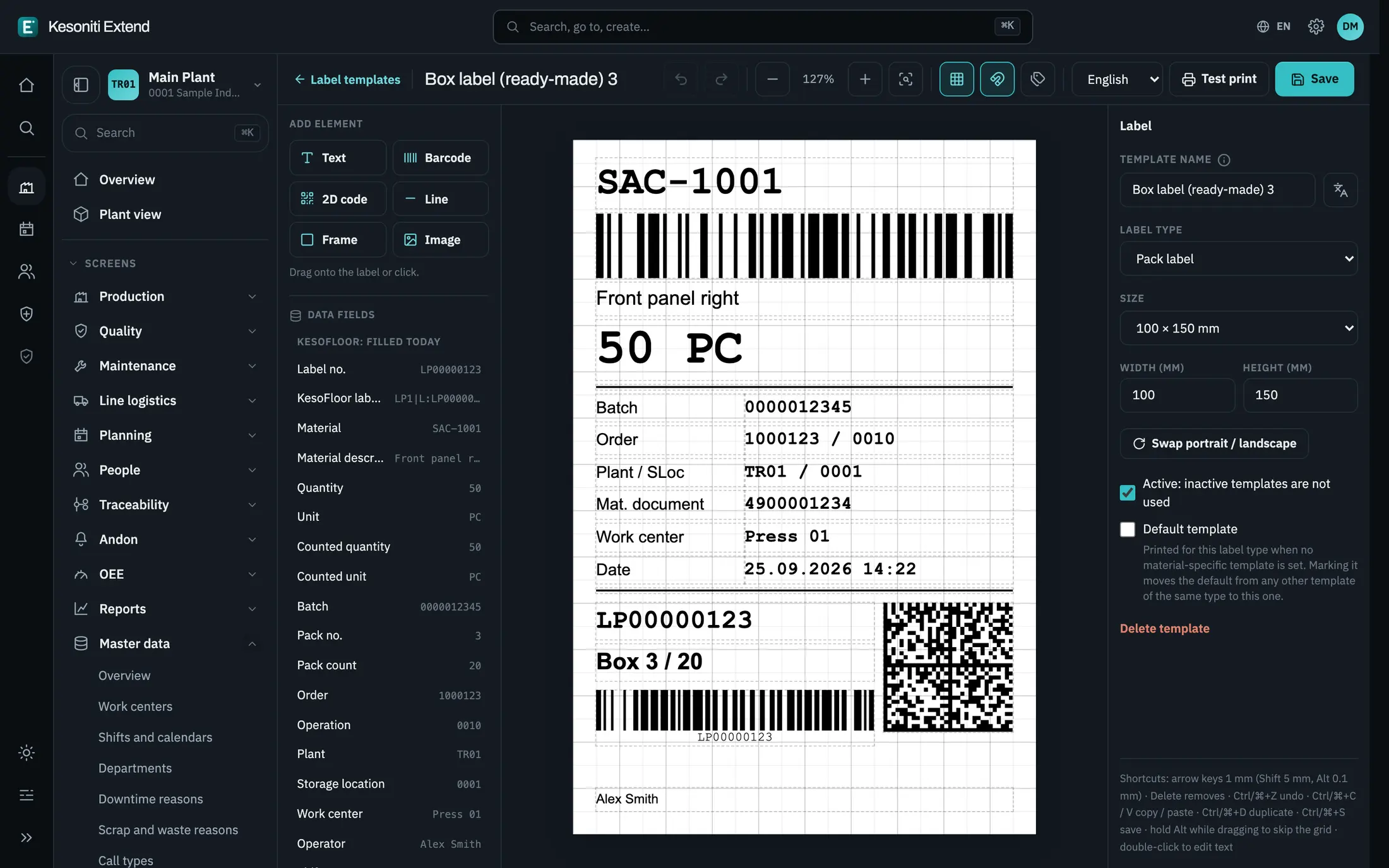
The label prints
The label designed in the app comes out filled with the order data.
- 4
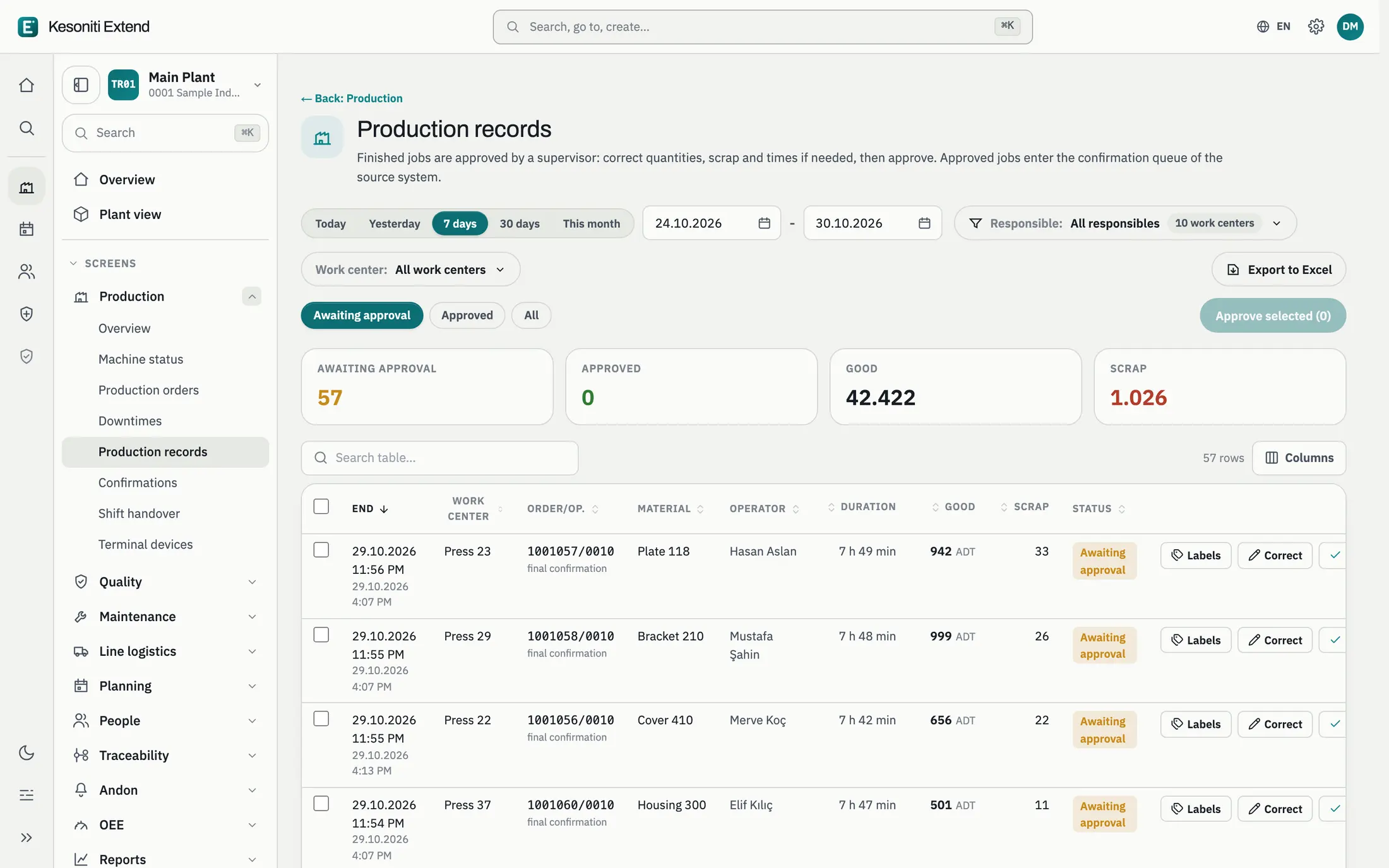
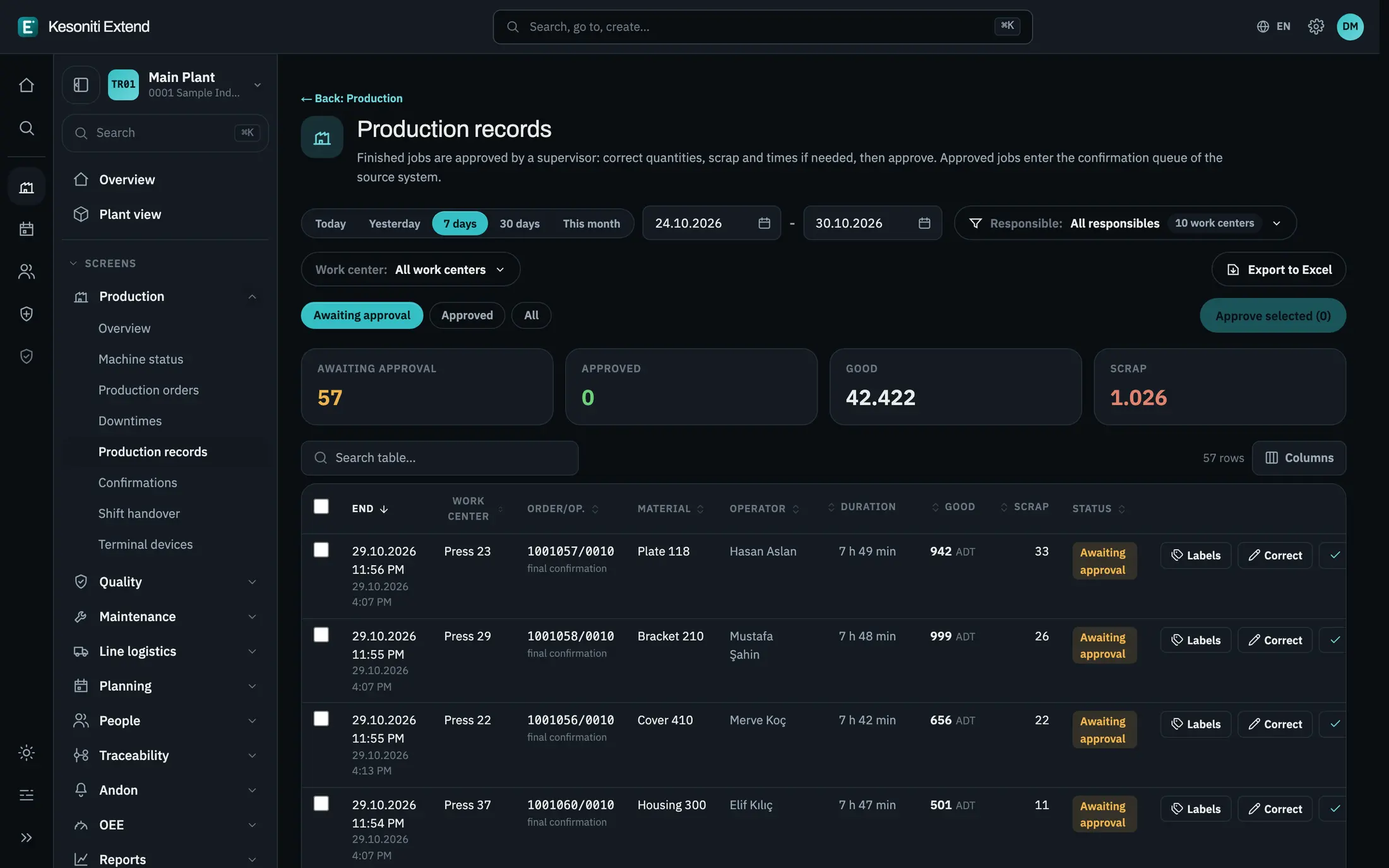
The record goes to the ERP
The production record is reviewed; confirmation and goods movement go to the ERP.
Screens show sample data.
Let’s see it on your floor.
Calculate your losses, or talk through your own situation with us.