





← All use cases
The story of a downtime
From the moment a machine stops until the loss shows in the report.
Today
- A machine stops and nobody may notice.
- The operator goes to find maintenance.
- Reason and duration go on a form later.
- The loss is estimated at month end.
With KesoFloor
- The machine signal opens the downtime by itself.
- The operator picks the reason on the terminal.
- An andon call reaches the right team.
- The loss shows on the OEE screen right away.
Drag the slider to compare.
Step by step
- 1
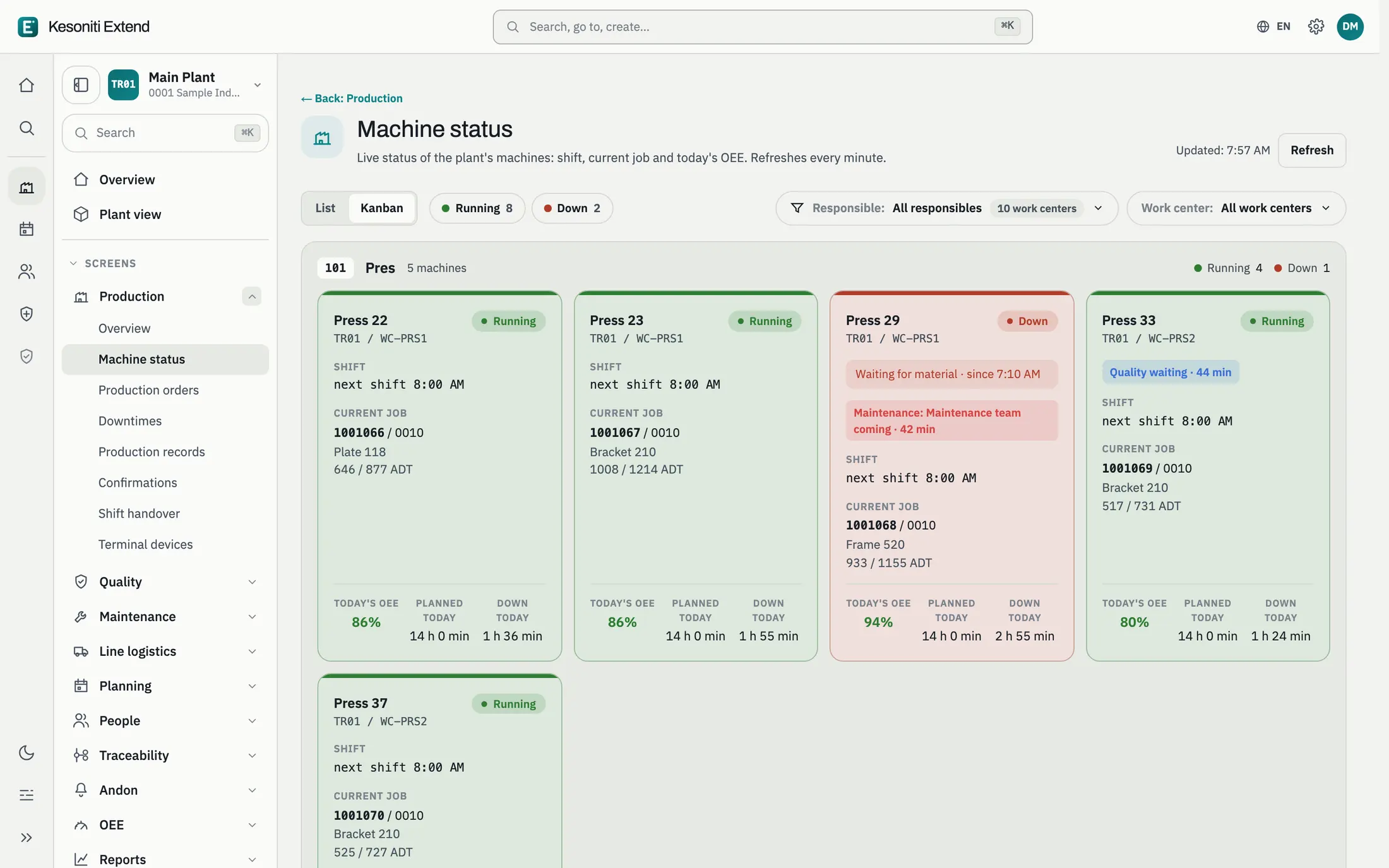
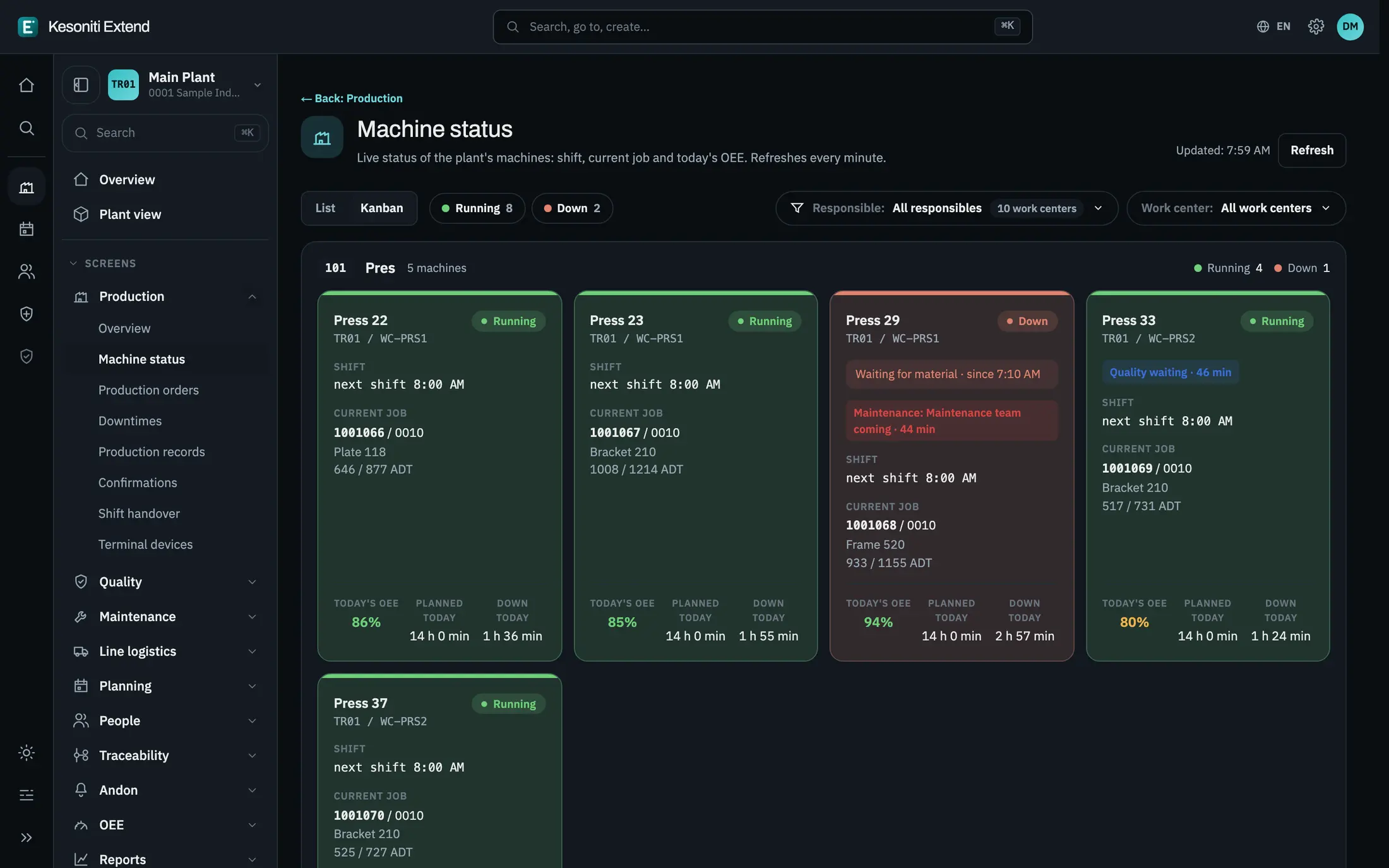
The machine stops
The status changes on the machine board at once; the person responsible sees which machine stopped.
- 2
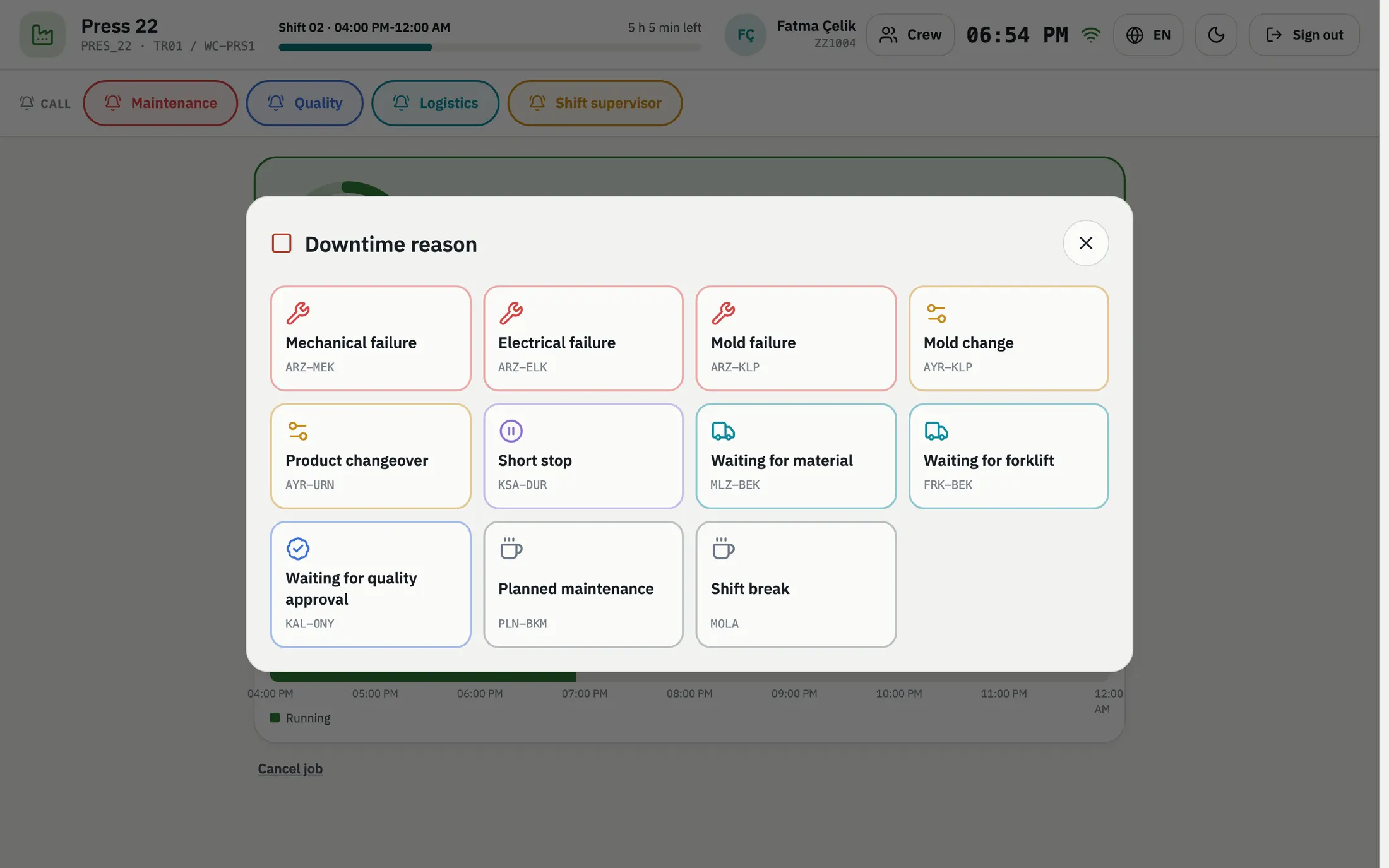
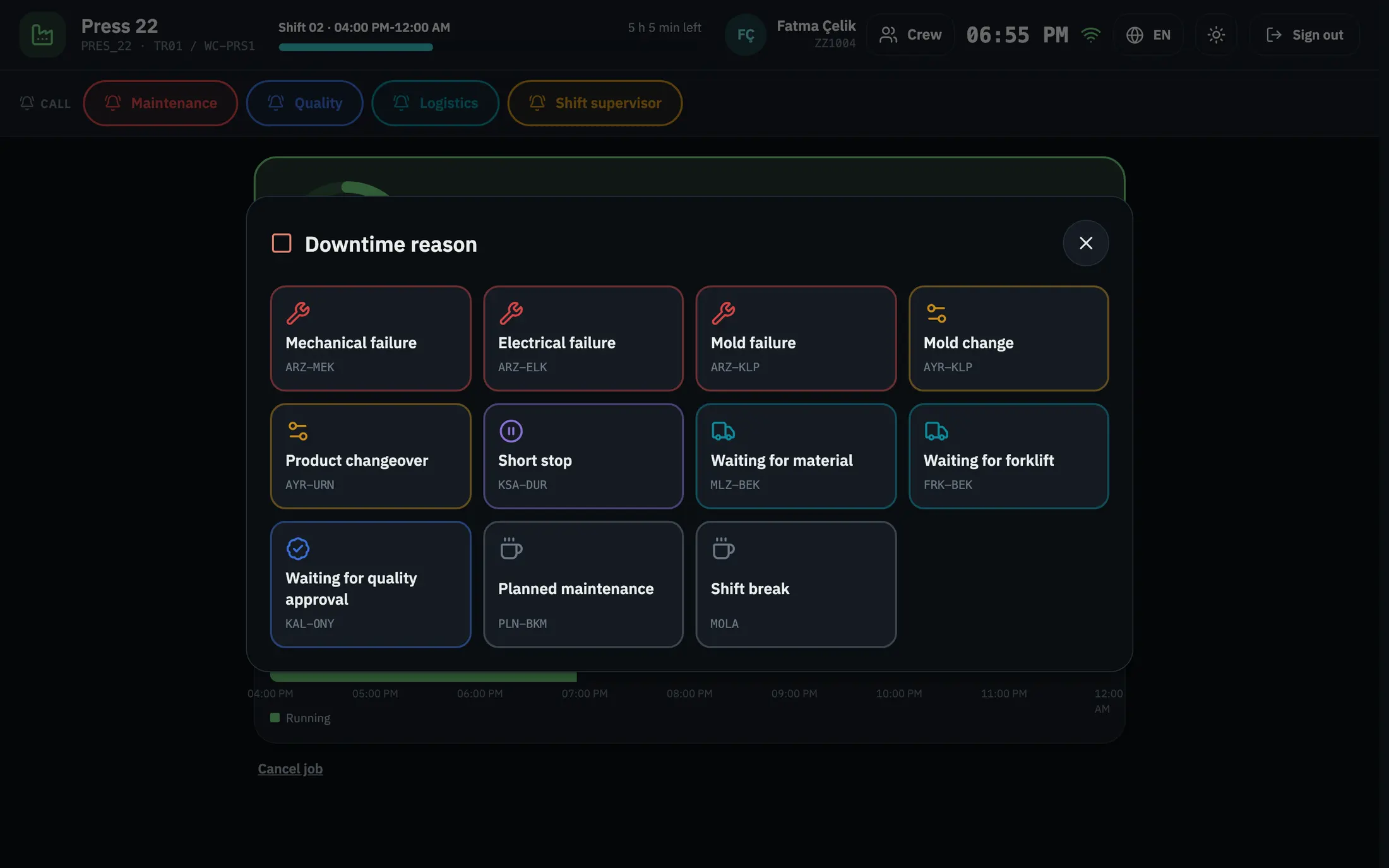
The operator picks the reason
A few taps on the terminal record the downtime reason.
- 3
The right team is called
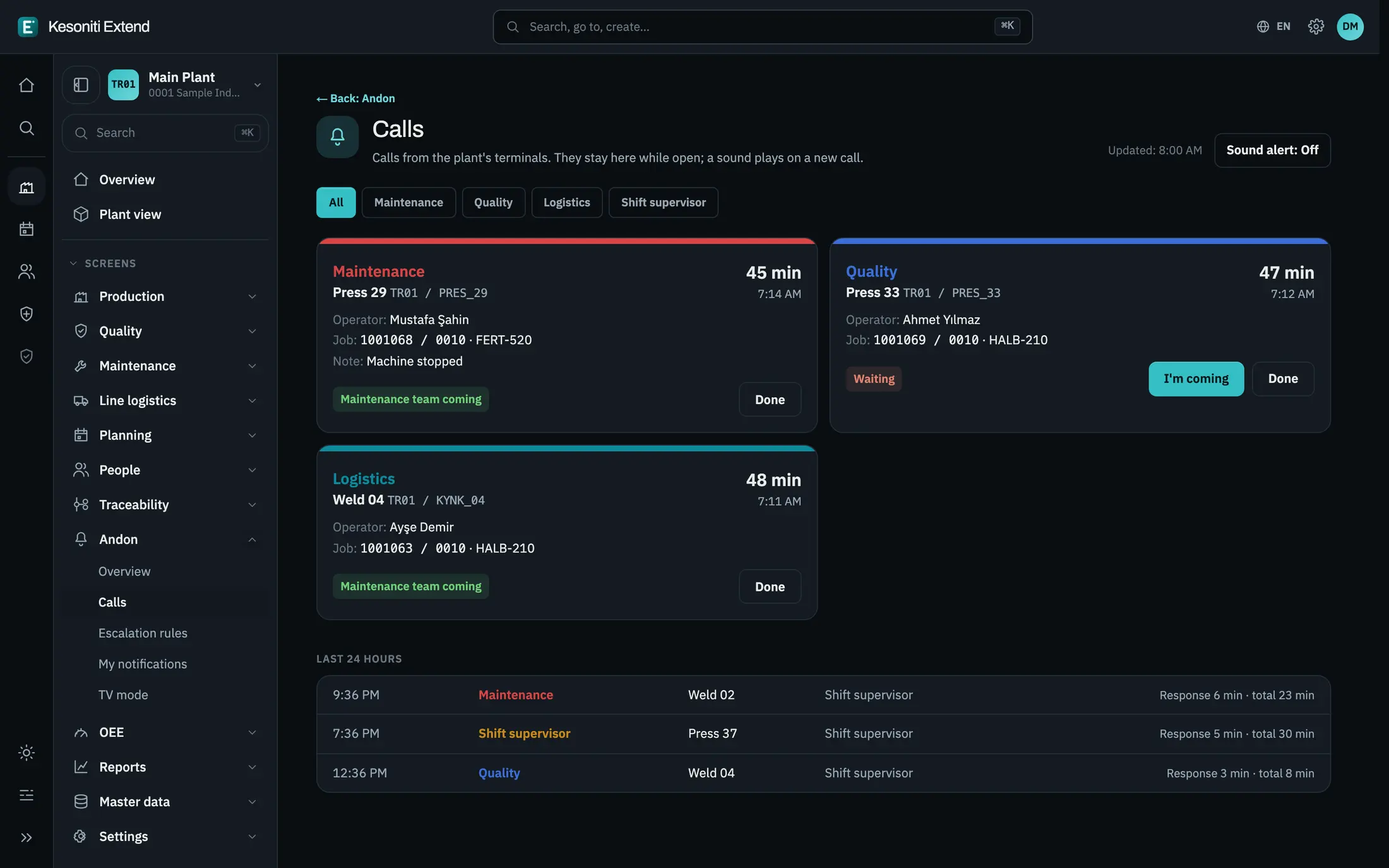
An andon call opens; who answered and how long it took are recorded.
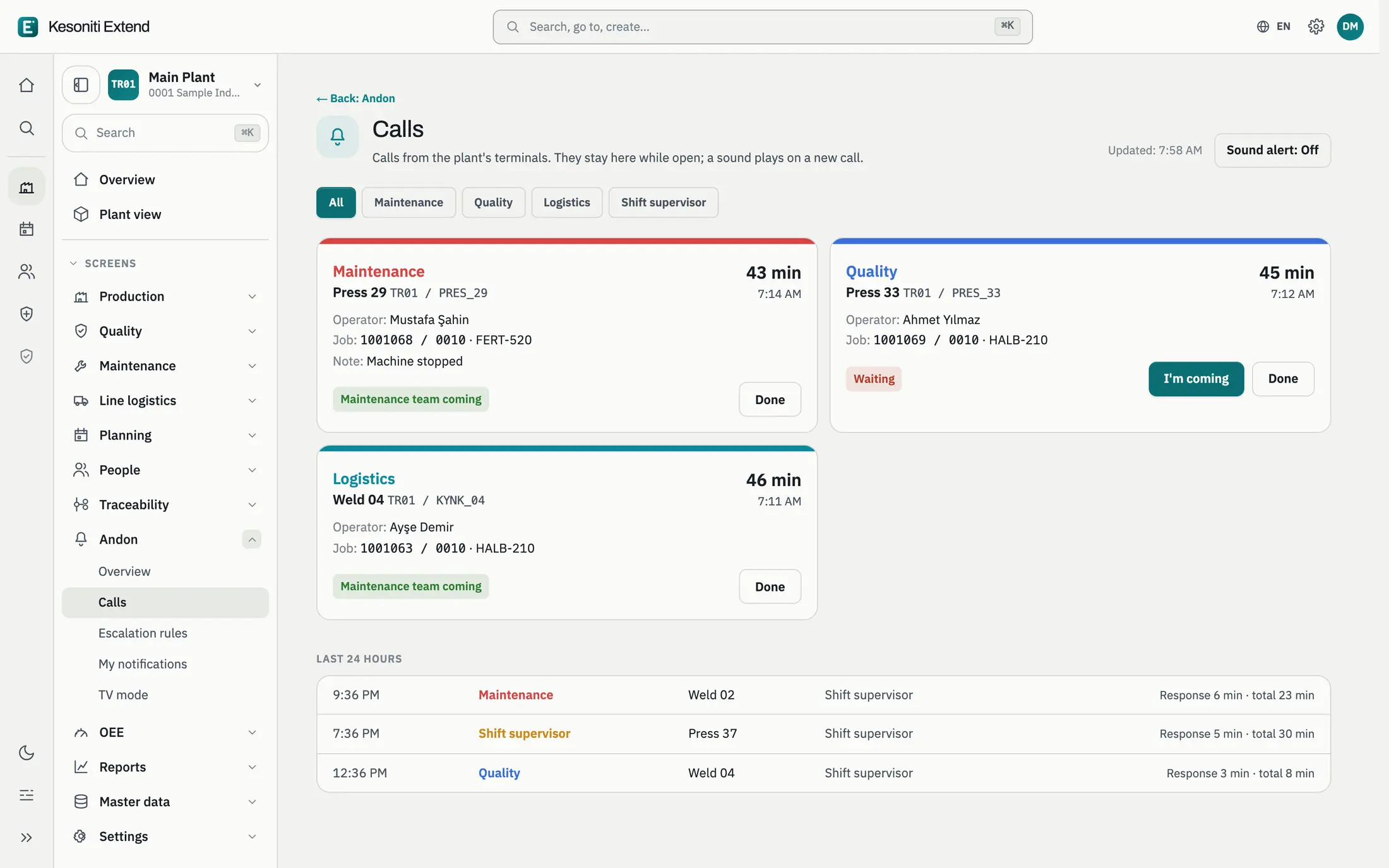
- 4
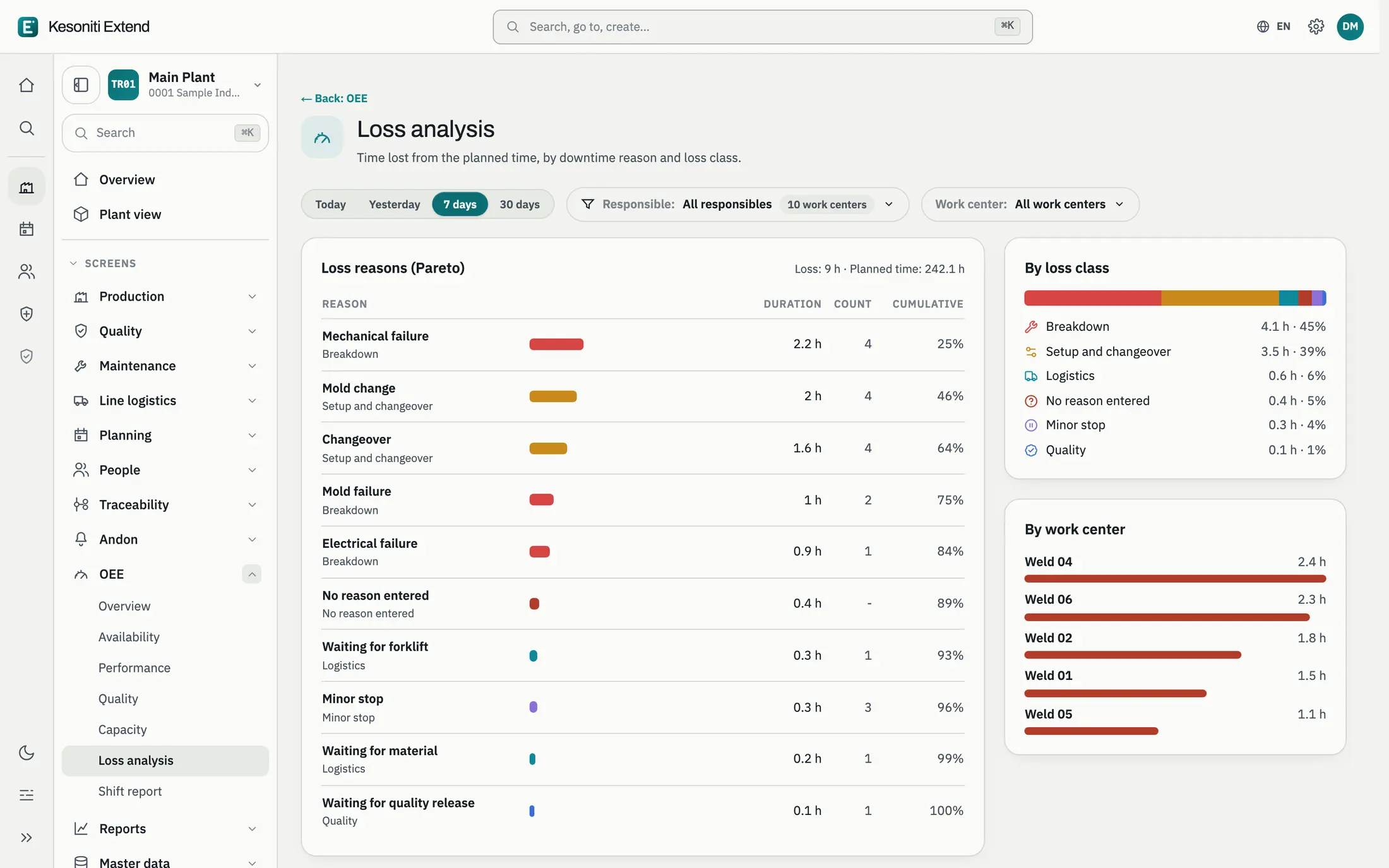
The loss becomes visible
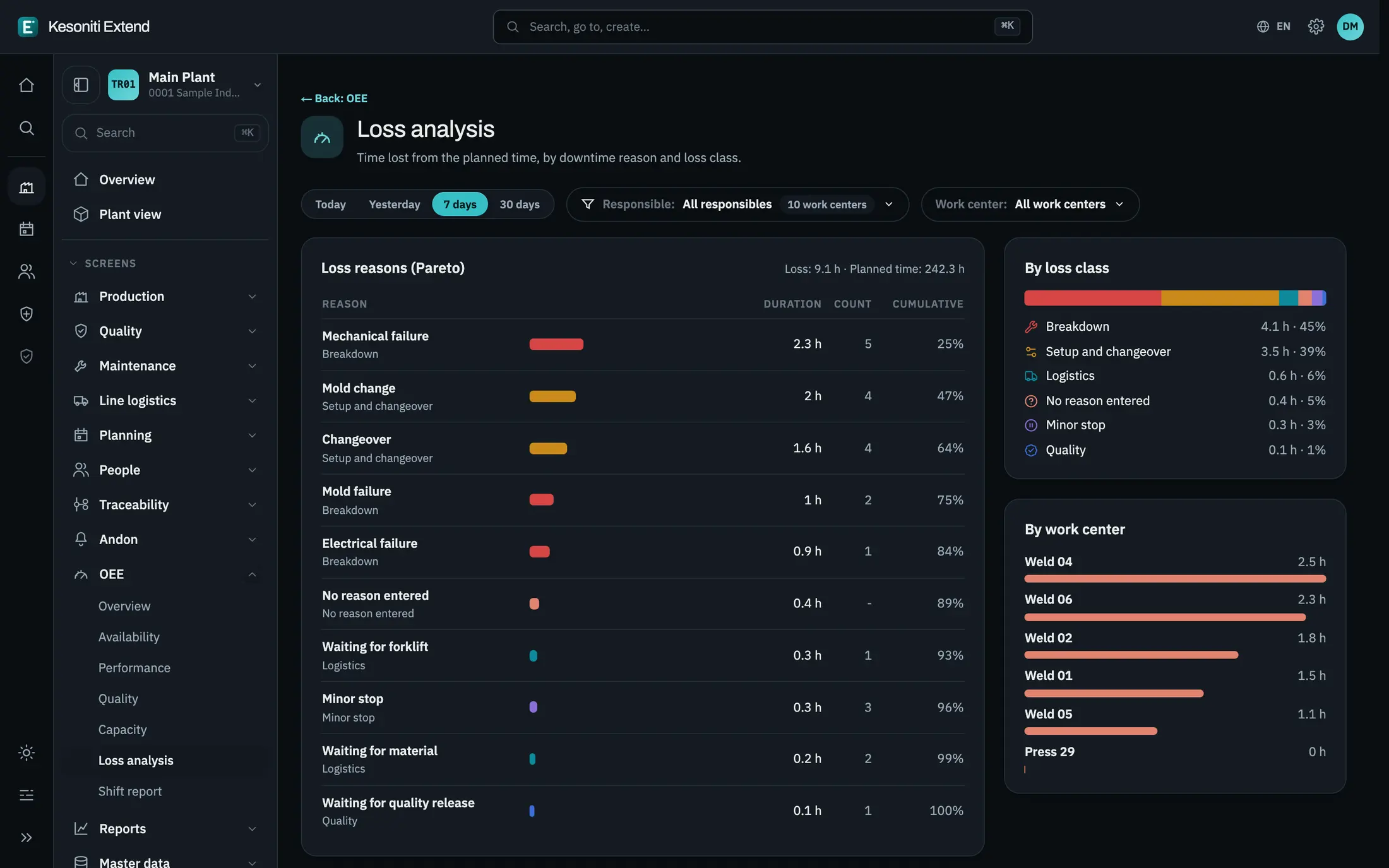
The downtime shows in the loss analysis with its reason; the biggest loss stands out.
Screens show sample data.
Let’s see it on your floor.
Calculate your losses, or talk through your own situation with us.